The Official Raspberry Pi Camera Module Guide out now: build amazing vision-based projects
We are enormously proud to reveal The Official Raspberry Pi Camera Module Guide (2nd edition), which is out now. David Plowman, a Raspberry Pi engineer specialising in camera software, algorithms, and image-processing hardware, authored this official guide.

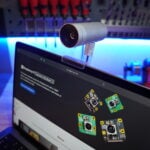
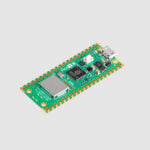
This detailed book walks you through all the different types of Camera Module hardware, including Raspberry Pi Camera Module 3, High Quality Camera, Global Shutter Camera, and older models; discover how to attach them to Raspberry Pi and integrate vision technology with your projects. This edition also covers new code libraries, including the latest PiCamera2 Python library and rpicam command-line applications, as well as integration with the new Raspberry Pi AI Kit.

Save time with our starter guide
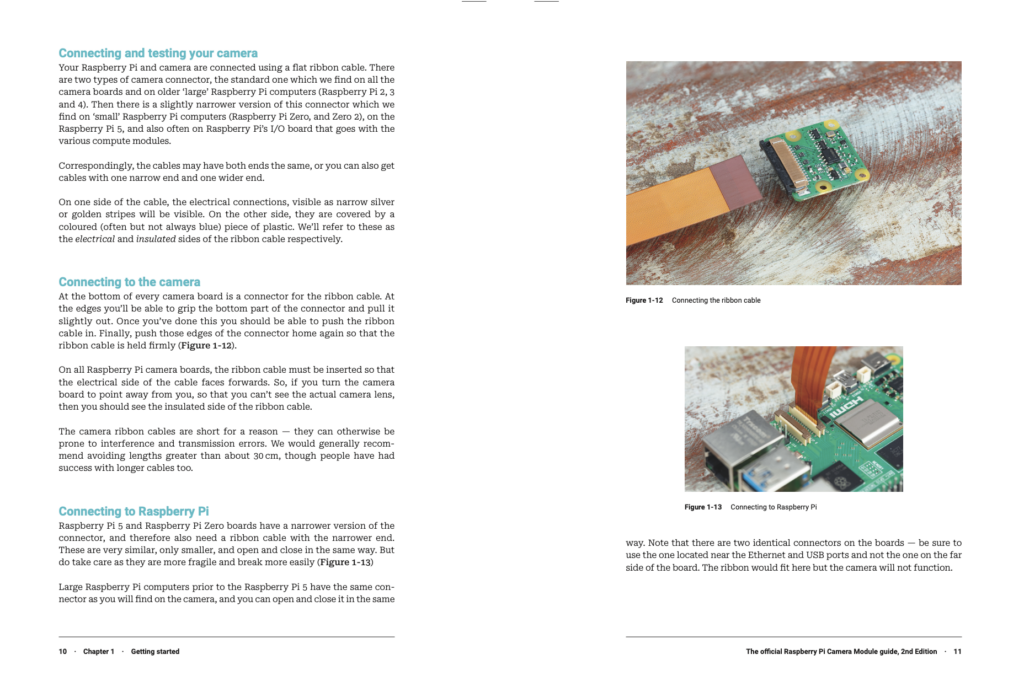
Our starter guide has clear diagrams explaining how to connect various Camera Modules to the new Raspberry Pi boards. It also explains how to fit custom lenses to HQ and GS Camera Modules using C-CS adaptors. Everything is outlined in step-by-step tutorials with diagrams and photographs, making it quick and easy to get your camera up and running.
Test your camera properly
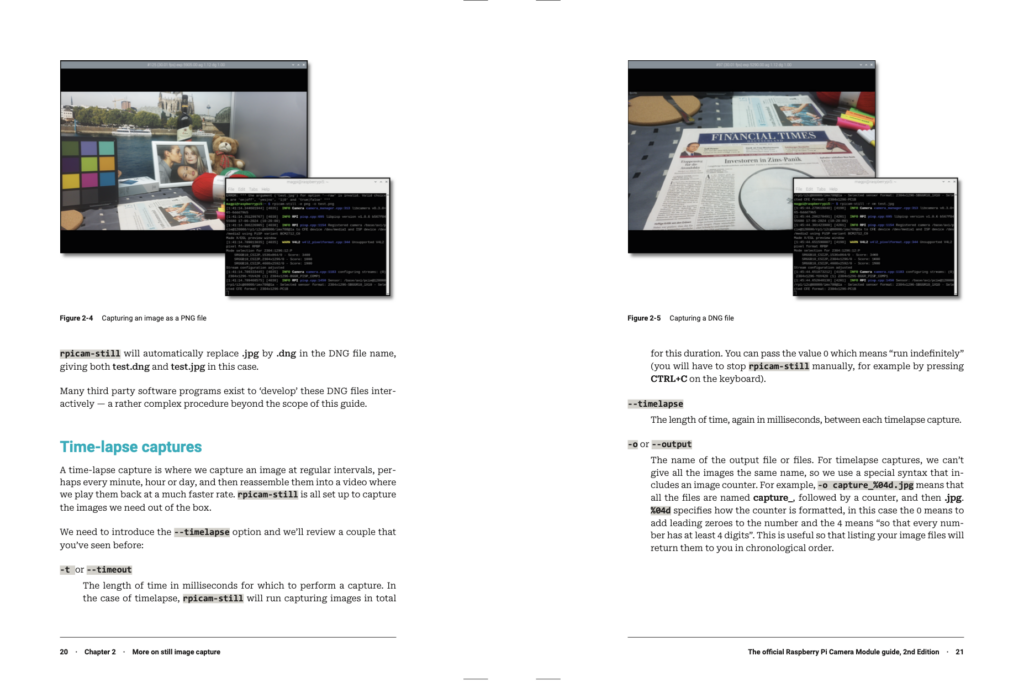
You’ll discover how to connect your camera to a Raspberry Pi and test it using the new rpicam command-line applications — these replace the older libcam applications. The guide also covers the new PiCamera2 Python library, for integrating Camera Module technology with your software.

Get more from your images
Discover detailed information about how Camera Module works, and how to get the most from your images. You’ll learn how to use RAW formats and tuning files, HDR modes, and preview windows; custom resolutions, encoders, and file formats; target exposure and autofocus; shutter speed, and gain, enabling you to get the very best out of your imaging hardware.

Build smarter projects with AI Kit integration
A new chapter covers the integration of the AI Kit with Raspberry Pi Camera Modules to create smart imaging applications. This adds neural processing to your projects, enabling fast inference of objects captured by the camera.
Boost your skills with pre-built projects
The Official Raspberry Pi Camera Module Guide is packed with projects. Take selfies and stop-motion videos, experiment with high-speed and time-lapse photography, set up a security camera and smart door, build a bird box and wildlife camera trap, take your camera underwater, and much more! All of the code is tested and updated for the latest Raspberry Pi OS, and is available on GitHub for inspection.
Click here to pick up your copy of The Official Raspberry Pi Camera Module Guide (2nd edition).
9 comments
ThinkPad X61s
will there be a free pdf for this as we cannot buy this in some countries(sorry for the bad grammer.)
Raspberry Pi Staff Ashley Whittaker
All of our newer titles are available to buy wherever you get your from e-books (Kindle etc) if you’re not able to find a physical copy
Raspberry Pi Staff Lucy Hattersley — post author
A Kindle edition is available on the Amazon store for $9.99 but I think it’s better in print. https://magpi.cc/camguidekindle
There are no plans for a free PDF edition for this one.
Nicholas
I’m ready to buy but want a digital download. Following the link, am I buying a digital copy or a physical book? The listing doesn’t specify.
Glen
Just to be clear, are free digital versions of new books no longer available?
Raspberry Pi Staff Lucy Hattersley — post author
Digital editions of books are done on a one-by-one basis. Some (like Build a Media Player) are only available as a free PDF, others are available in both print and PDF, and this one is Print and Kindle digital edition only.
There are no plans for a free PDF for this book. If you want it please buy a copy.
Glen
Hi Lucy, thanks for your reply, I am not after this book in particular but I had noticed other recent books where the PDF was no longer freely available and was wondering what the current policy was. Thank you for clarifying.
Helen McCall
Dear Lucy,
Please will you sell a digital edition in either PDF or Epub3 format, not Kindle. I am seriously sight impaired and have all my books in Epub or PDF formats which I read using Okular with my Raspberry Pi and a large monitor. With you only selling the digital edition as a Kindle book, you are denying me any accessability because when I’ve tried buying kindle books in the past, all that comes by return from Amazon is some tiny file for loading into Kindle software so it can download the book. Amazon refused to send me the Kindle format book so I could use it on my Raspberry Pi, and refused a refund on the book I was unable to download. So PLEASE, PLEASE, PLEASE will you restore the accessibility of your products for disabled people?
Please make your digital editions available in PDF or Epub3, and not through Amazon.
nafanz
https://www.raspberrypi.com/tutorials/plug-and-play-raspberry-pi-usb-webcam/
Please update this instruction on the website.
Comments are closed