Configure early boot splash screens for SPI and I2C based displays
Earlier this year, M5Stack revealed a tiny CM0-based computer they were launching on Kickstarter. One of their goals was to display a splash screen as early as they possibly could, but achieving this required running U-Boot as an entirely additional boot step. Since Thomas Griffiths was joining us for the summer, we thought it would be a great idea for him to work on a firmware extension that would allow such SPI/I2C-based displays to be configured very early in the boot sequence, pulling the splash screen up in just a couple of seconds.
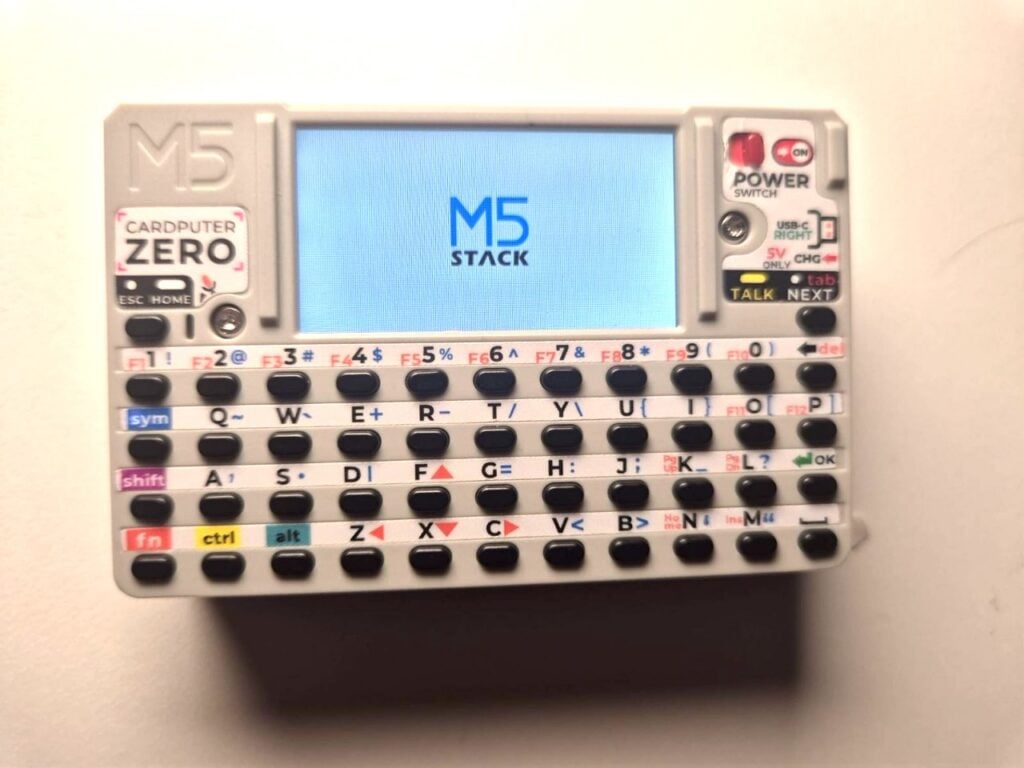
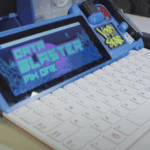
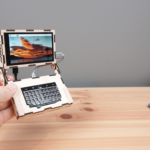
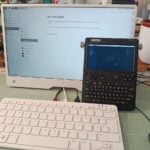
With the cyberdeck trend inspiring countless colourful Raspberry Pi creations, and the release of new handheld maker devices such as the Cardputer Zero and Hackberry Pi, there has been an increase in small SPI and I2C displays being used as the main display for Raspberry Pi. To help them look more responsive during boot, we have developed a way to add custom splash screens to these devices using a little language and an interpreter in the bootloader.
The little language
I took inspiration from Noralf Trønnes’ mipi-dbi language for much of the layout and syntax of the language, as a lot of the displays being used will ultimately be run through his Linux driver. I also took some liberties with it, adding more features and changing some of the architecture.
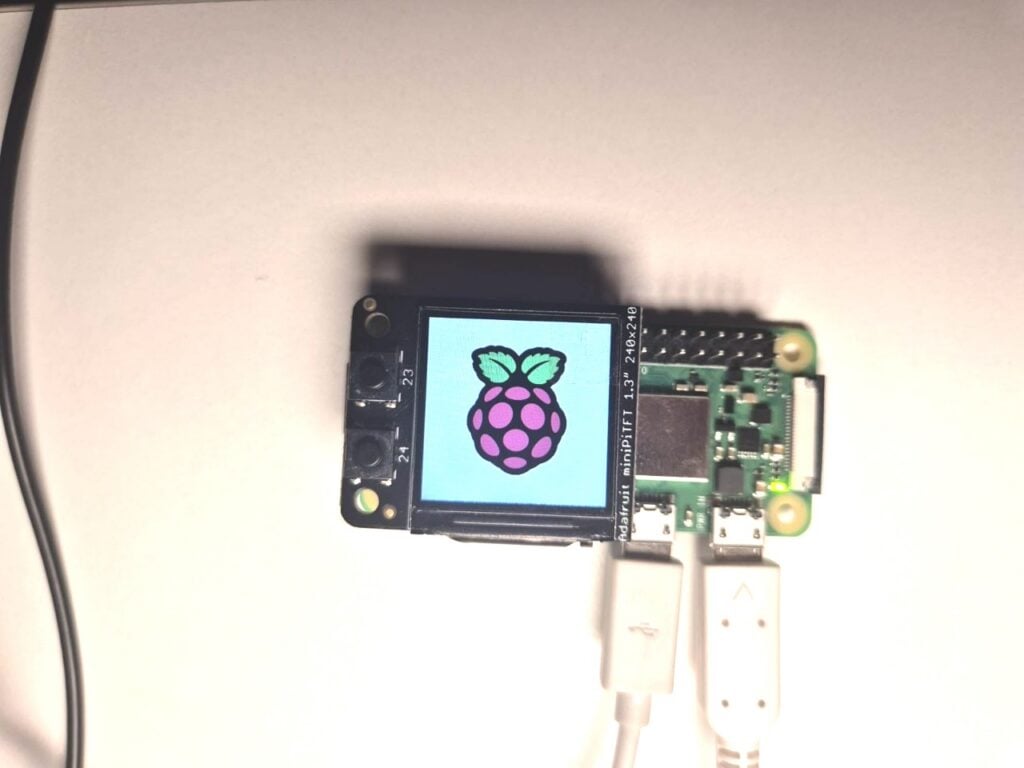
The splash language also supports I2C and statically compiles the image into the binary, but a lot of the configuration code is ultimately compatible with mipi-dbi. Because it is just a dump, you are able to veer away from just images being displayed on the screen during startup.
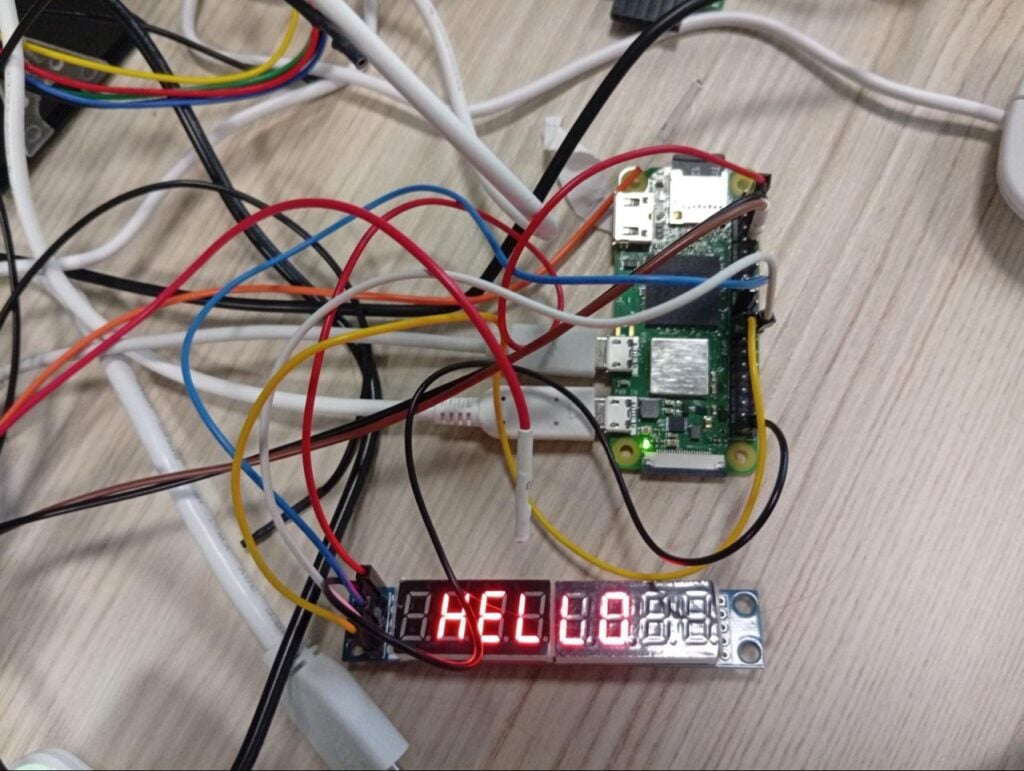
The following code gives a slightly out-of-the-box example, displaying ‘HELLO’ on a seven-segment display:
# Set the output that we are using
define mled spi [copi 10] [cipo 9] [sclk 11] [cs 8] [freq 1000000]

# Setup the screen and set the brightness
mled 0x0c 0x00
mled 0x09 0x00
mled 0x0b 0x07
mled 0x0a 0x08
mled 0x0f 0x00

# Set each charecter register - shows HELLO
mled 0x01 0x00
mled 0x02 0x00
mled 0x03 0x7e
mled 0x04 0x0e
mled 0x05 0x0e
mled 0x06 0x4f
mled 0x07 0x37
mled 0x08 0x00

# Turn on
mled 0x0c 0x01
And if you allow yourself some liberties with SPI, you are able to use other protocols…
Hooking it into the bootloader
This feature is currently in the firmware beta; to use the firmware data, run sudo raspi-config and navigate to Advanced Settings, then Beta Access. Next, run sudo apt update and sudo apt full-upgrade. We recommend that your OS was imaged on the latest version, as this will ensure it is up to date.
To put your splash screens (or otherwise) in the bootloader, follow the instructions in the splashasm folder in raspberry pi/utils, placing the final binary into the boot firmware folder and linking to it in config.txt. As this is in beta, we’ve stashed the short docs for you to use here.
3 comments
Jump to the comment form
Raspberry Pi Staff PhilE
This is a great little project, and it’s been fun watching it progress from proof-of-concept to (almost) released firmware. N.B. Pi 5 support is largely finished but not quite ready to test yet.
And before anyone suggests it, MIPI/DSI displays are a very different proposition, but we haven’t completely ruled out supporting them in the future.
Rodney
What great timing I was just getting ready to hunt for something like this thanks!!!
Flo
Exactly what I was looking for my speaker Display.