How our tiny computers learnt to count sheep (and spot hi-vis jackets)
The latest episode of the Raspberry Pi Podcast is here, with Ken Okolo and Software Engineering Manager Naushir Patuck exploring the rise of artificial intelligence and how Raspberry Pi is making an impact in edge AI. Naush explains how the growth in AI capability and adoption is being driven by the convergence of big data, deep learning, and increased computational power. He also describes how running AI processing locally, rather than shipping it off to the cloud, can save money, protect privacy, and make sure you keep full control of your data.
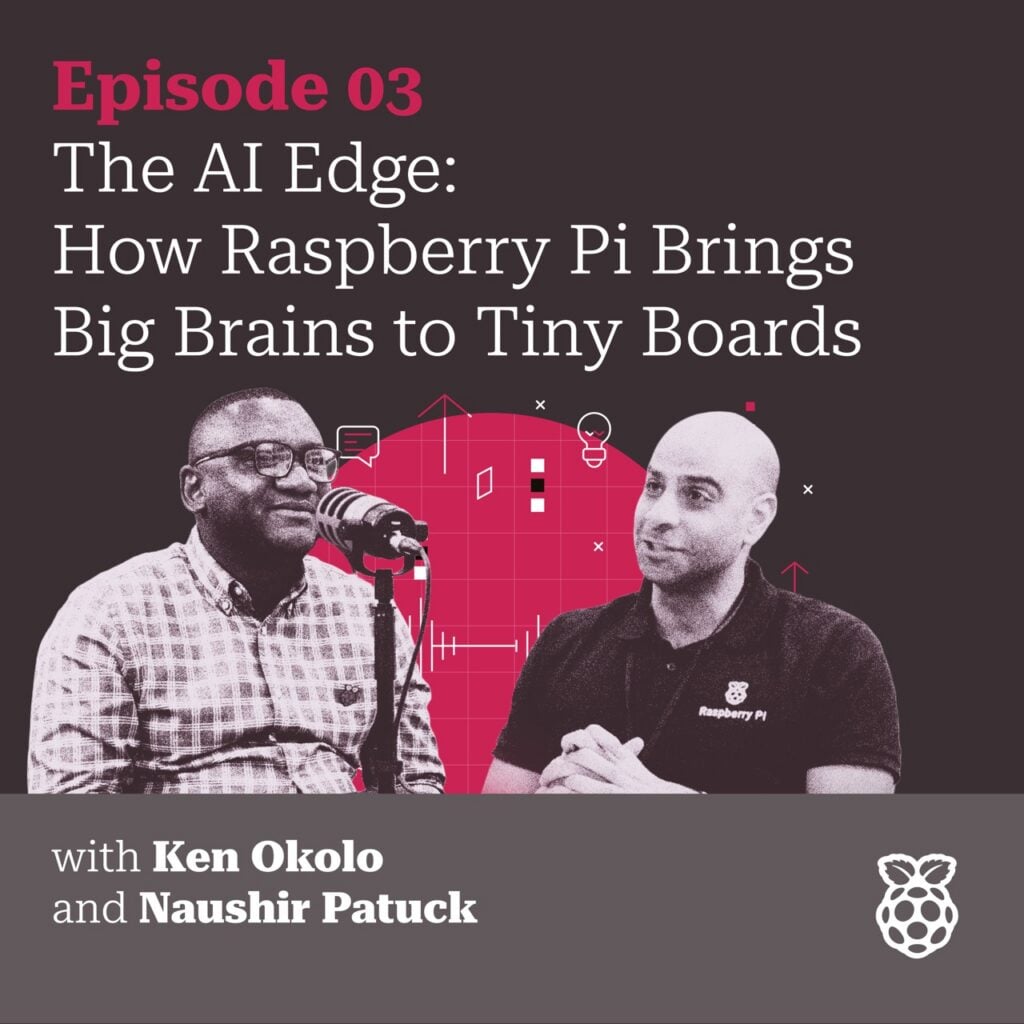
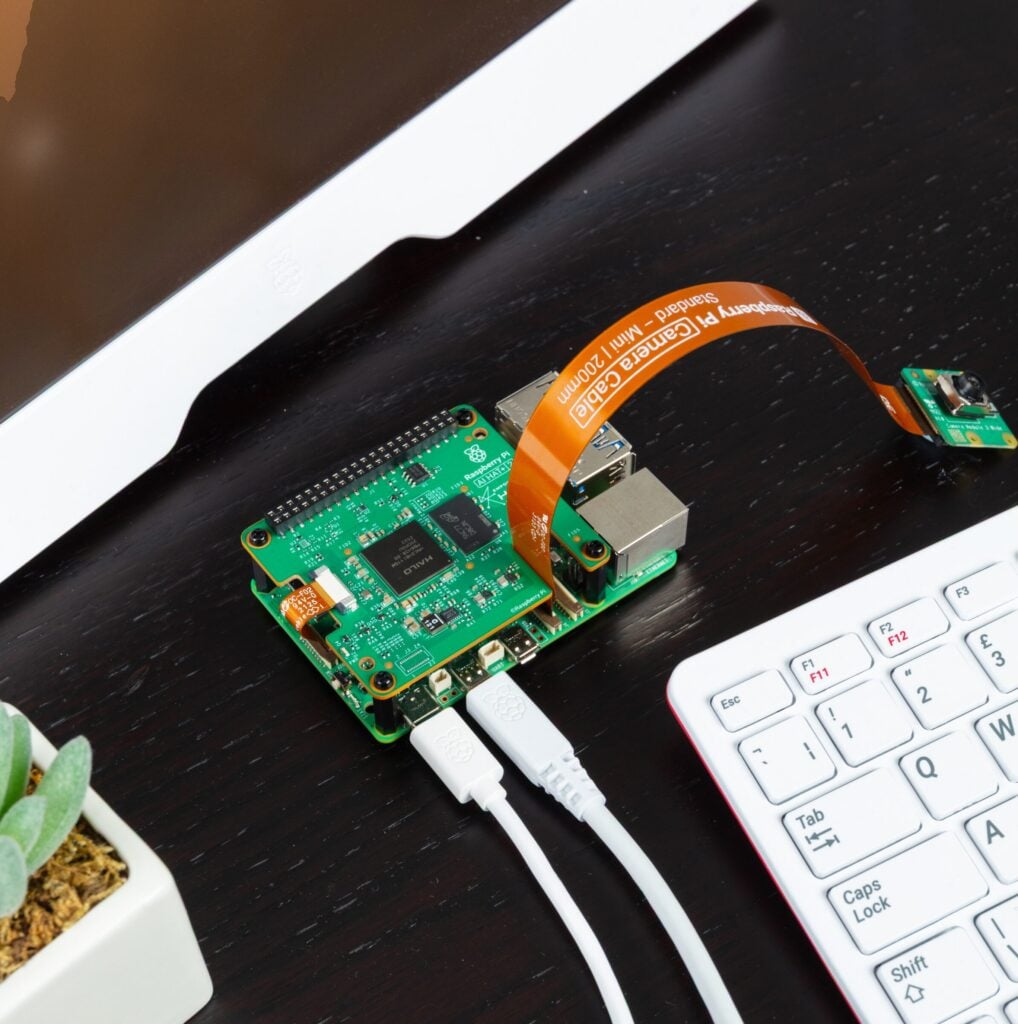
Ken and Naush walk through Raspberry Pi’s growing AI product line, from the AI Camera with its on-board accelerator, to the AI HAT+ for Raspberry Pi 5, right up to the new AI HAT+ 2 with on-board memory for running generative AI models locally. Plus, hear how partnerships with companies like Ultralytics, along with tight software integration through tools like libcamera, are making it easier than ever for developers to build AI-powered projects.
What even is AI, though?
No stupid questions here. And luckily, Naush is adept at conveying refreshingly simple definitions. He explains: “AI is just about letting humans and computers interact naturally, whether that’s a computer understanding what you say or generating something a human can make sense of.”
He also gently reminded everyone that AI has been knocking about since the days of the Turing test; it’s just quietly getting better at fooling us into thinking we’re talking to a person. The real shift, he explained, is that we’ve swapped old statistical tricks for deep learning, which produces far better results but at the cost of serious computational muscle.
Running AI on a Raspberry Pi is the privacy-first option
Nobody really wants their living room camera feed uploaded to a mystery cloud server. Running AI “at the edge” (meaning as close to the camera or microphone as possible) means better privacy, lower costs, and no unexplained subscription fees creeping onto your data bill. Your personal Raspberry Pi can process the video, make its decision, and get on with its day without phoning home.
From half a frame per second to actual real time
Naush recalls the early days of OpenCV-based face detection running at roughly half a frame per second: technically functioning, but practically glacial. Raspberry Pi’s AI product line speeds things up considerably.
The AI Camera, built with Sony, sneaks an AI accelerator directly onto the imaging sensor itself, meaning even a Raspberry Pi Zero can suddenly perform 30 to 60 frames of inference per second. That’s the difference between “did something just move?” and “yes, that’s definitely your cat, again.”
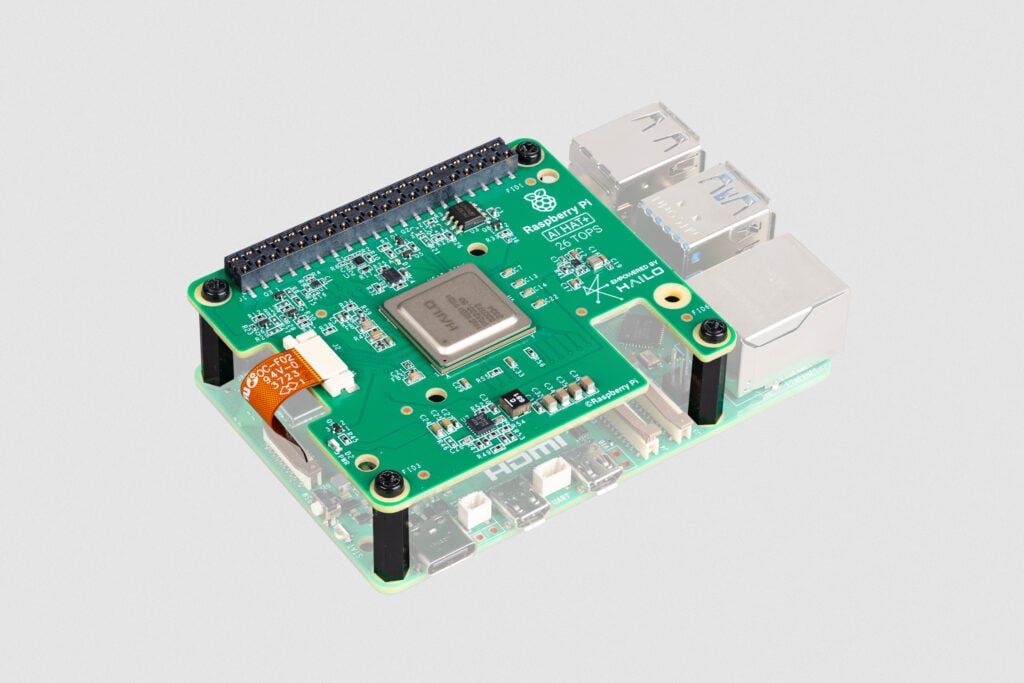
The AI HAT+ bolts a Hailo AI accelerator onto a Raspberry Pi 5, delivering up to 26 TOPS (tera-operations per second) of processing power, enough to run multiple camera feeds at once.
The AI HAT+ 2 goes a step further with 8GB of on-board memory and support for generative AI applications, meaning you can now run your own local chatbot on a Raspberry Pi with zero internet connection required. Somewhere, a ChatGPT-alike is running in someone’s shed, entirely off-grid.

What are people using Raspberry Pi AI for?
Alongside more predictable use cases such as counting shop footfall, monitoring car parks, and checking PPE compliance on construction sites, Naush mentions a few delightfully rural ones: farmers counting sheep and cows, and conservationists using object recognition to track endangered wildlife wandering past a camera. It’s a nice reminder that for every corporate security deployment, there’s a Raspberry Pi somewhere quietly keeping tabs on livestock.
Listen to the latest episode of the Raspberry Pi Podcast
What would you like to listen to next? Leave us a comment requesting a topic and we’ll try to lure the appropriate Pi Towers-dweller behind the microphone for you.
And don’t forget to subscribe to the Raspberry Pi Podcast on Spotify, Amazon, or Apple Podcasts. We’ll also be releasing each episode on our YouTube channel, where you can watch for free. (Here’s a handy RSS feed for those asking!)



5 comments
Jump to the comment form
Dale Steele
Great overview discussion. I learned more than expected and was impressed by how many good AI efforts are underway with Raspberry Pis.All that in a brief episode. Good work!
Thanks, Dale
Dale Steele
Unfortunately I didn’t learn of any AI applications for us model 400 or 500 users. Do tell!
crumble
Wich kind of AI do you need?
LLMs work well with ollama on Pi5. Works best with 16GB RAM. A Pi500+ can give you acceptable speed with gemma4 up to 12b.
Acceptable speed, if you are not used to other machines. Acceptable results, if you don’t need large context.
Same for the visual stuff hailo is designed for. If you have time, you need only nomal Pi’s with enough RAM for the task. If you need real time detection of arbitrary objects, you need additional hardware.
faster-whisper (audio to text) works well with an 8GB Pi5
LLMs need a lot of RAM for useful tasks. Ollama is easy to use. You can try smaller models. The smaller models are faster, but become more nuts the smaller they get. Therefor Microsoft set the minimum for Copilot to 16GB. 8Gbyte may be enough for small programming tasks with an english only model. But I assume that the big players will not give us such an open weight model. It is strange but a 16GB Pi5 is now a mid class computer, if RAM would be 64 Bit and PCIe 4 lanes wide.
Robert Thomas
I’m a beekeeper and would love help to integrate a Raspberry Pi into beehive management for monitoring my honeybees. Hive weight, bee count, pollen color, and pest management are all things that would help the honeybee industry keep bees from dying. Any suggestions would be be appreciated.
Raspberry Pi Staff Ashley — post author
You may be interested in the Pye Bee project: https://www.raspberrypi.com/news/hive-mind-with-pye-bee/