Small device, big business: can a Raspberry Pi replace your desktop PC?
In the latest episode of the Raspberry Pi Podcast, Ken Okolo sits down with Simon Burgess from Raspberry Pi’s commercial team to dig into how Raspberry Pi performs as a desktop PC. From Raspberry Pi 4 and 5 to the all-in-one keyboard computer Raspberry Pi 500+, Simon walks us through the full desktop line-up and explains why organisations like McDonald’s in South America and learning centres across the UK are deploying them at scale.
Whether you’re a home user curious about browsing and language learning, or a business wanting to cut hardware and energy costs, this episode is worth 15 minutes of your time.

When we launched our first computer in 2012, our goal was to democratise access to computing and reignite interest in programming and hardware tinkering, particularly among students. What surprised us was how many Raspberry Pis found their way onto people’s desks as genuine everyday PCs.
Yes, Raspberry Pi can be your PC
There’s a common misconception that Raspberry Pi is only used by hobbyists or as an educational tool, but as Simon explains:
“My mother-in-law uses a Raspberry Pi 5. She uses it for Duolingo and emails and she’s delighted with it.”
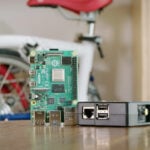
Raspberry Pi 4 and 5 both work well as desktop machines, despite their size. If you’re looking for something a little simpler to handle, then Raspberry Pi 400, 500, and 500+ are purpose-built keyboard computers that deliver a plug-and-play desktop experience. The computer itself sits inside the keyboard, so you get the added benefit of a clutter-free work station.
All of these devices can capably run services like Microsoft 365 and Google Workspace, meaning your day-to-day computing needs can be met.
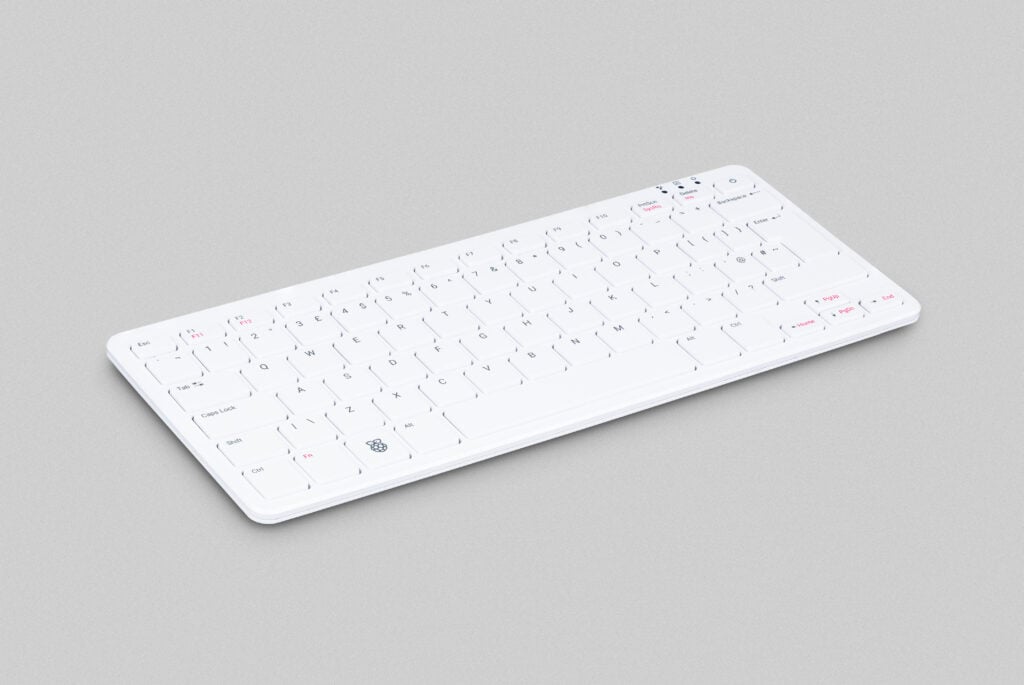
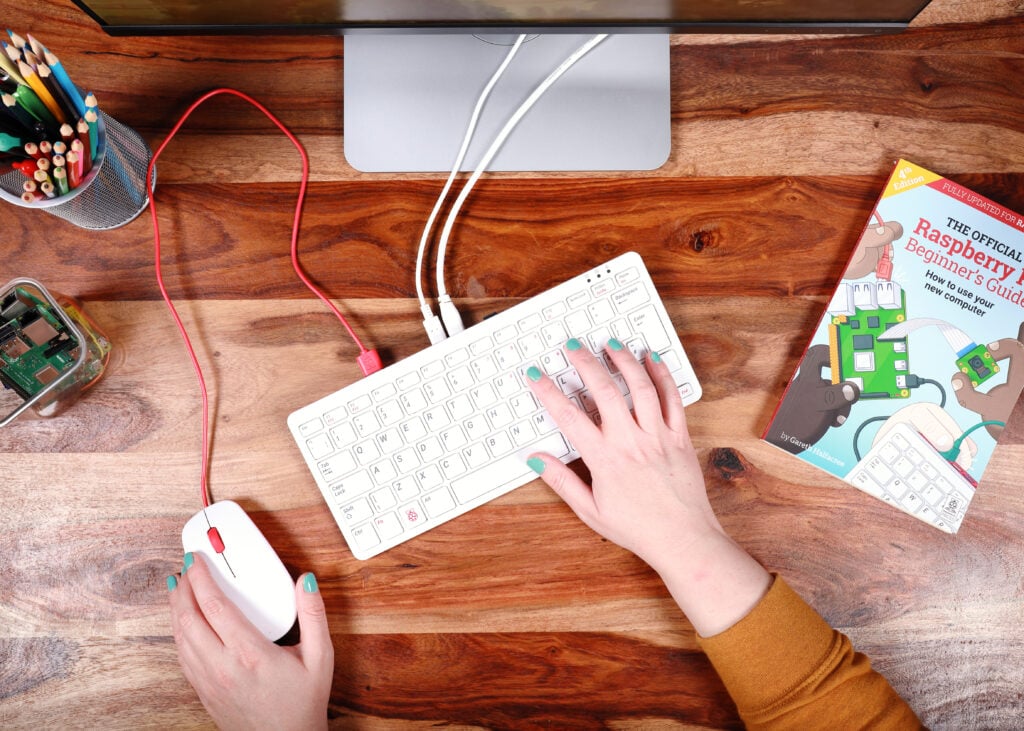
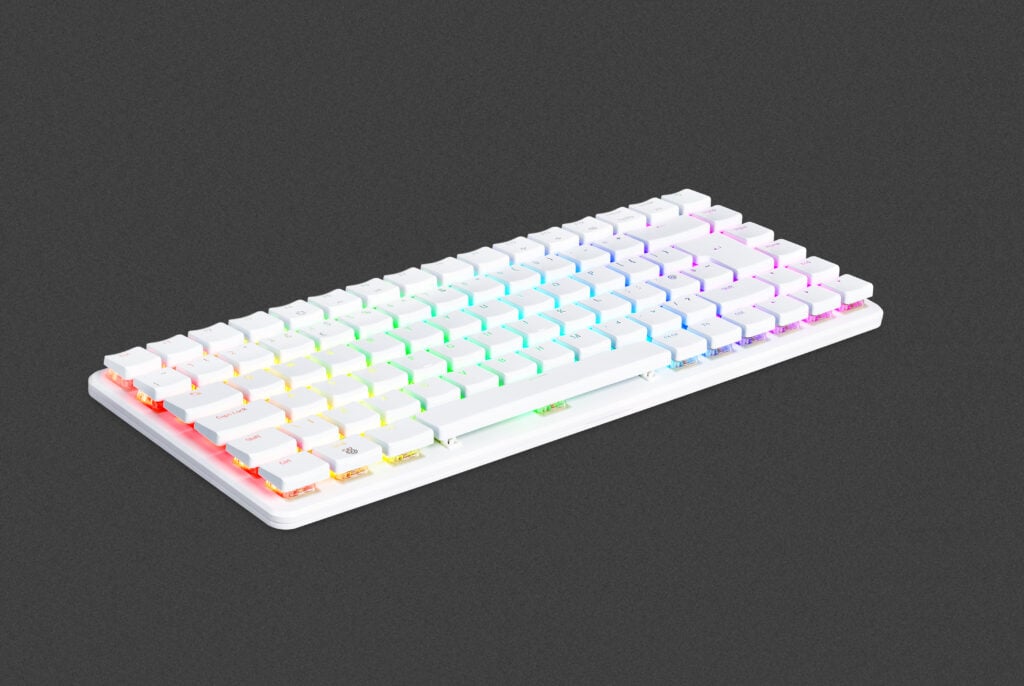
Raspberry Pi 500, 400, and 500+
Three ways your business benefits from Raspberry Pi
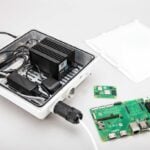
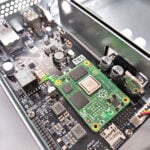
Raspberry Pi is increasingly powering enterprise deployments — particularly as thin clients, where our hardware connects to a central server that handles data and applications instead of processing everything locally.
For organisations considering Raspberry Pi technology, Simon highlights three core advantages:
- Cost: The price–performance ratio is compelling, particularly at scale. Replacing hundreds or thousands of traditional PCs with Raspberry Pi thin clients delivers significant savings.
- Energy efficiency: Low power consumption matters enormously when you’re running a large fleet of devices. Reducing energy usage across an organisation isn’t just good for the bottom line — it’s also important from a sustainability standpoint.
- Long-term availability: This is perhaps the most underappreciated benefit. Raspberry Pi commits to keeping its products in production for years. Raspberry Pi 4 is guaranteed to be available until at least January 2034, and Raspberry Pi 5 until at least January 2036. For industrial customers who need to plan deployments and avoid mid-cycle hardware changes, this kind of commitment is rare and genuinely valuable.
Free software
One of the most attractive aspects of using a Raspberry Pi as a PC is the software cost, or rather the lack of it. Raspberry Pi OS is free, and every device ships with LibreOffice, a full-featured productivity suite that includes a word processor (Writer), a spreadsheet app (Calc), and a presentation app (Impress), all of which are compatible with Microsoft Office formats.
For users who prefer Microsoft or Google’s cloud applications, those remain accessible via a web browser, though the usual subscription fees apply.
Real-world deployments
There are loads of industrial success stories available on our website, but in this podcast episode, Simon hones in on two in particular:
McDonald’s, South America and the Caribbean: Arcos Dorados, the world’s largest McDonald’s franchisee, replaced approximately 2500 back-office PCs with Raspberry Pi–based thin clients, lowering capital costs and reducing energy consumption. Because our hardware mounts directly onto the back of monitors, the thin clients required a smaller physical footprint, freeing up valuable desk space.
Explore Learning, UK: This private tutoring company has learning centres across the UK. They replaced around 5000 PCs with Raspberry Pis and achieved similar benefits, including reduced costs, lower power usage, and an improved experience for staff and students.
Whether you’re a home user looking to cut costs or an enterprise IT manager evaluating your next hardware refresh, this latest episode will help you take a closer look at what Raspberry Pi can do for you.
Leave a comment to let us know which topics you’d like to hear about next, or to share details of your own Raspberry Pi setup. And don’t forget to subscribe to the Raspberry Pi Podcast on Spotify, Amazon, or Apple Podcasts. We’ll also be releasing each episode on our YouTube channel, where you can watch for free. (Here’s a handy RSS feed for those asking!)

13 comments
Jump to the comment form
Jack
My simple answer to the posed question is most definitely yes. For general stuff like email and basic browsing it works great and is quite secure. For software development in C, Rust, Python, or whatever; CSV, Mercurial, or git with Studio or CodeBlocks is very comfortable. LibreOffice for documenting and Pi-Apps gets anything left like Teams.
Anders
The 500+ is my primary desktop and my ArgonOneUp my mobile laptop. These are used for general purpose computing and programming. I have other computers for dedicated tasks, but as a desktop I don’t miss a thing using Raspberry Pi based computers and Raspberry Pi OS.
Luc Volders
Last year october I stopped using windows all together. My main machine is a Pi5 with 8GB memory and a 1 terabyte SSD drive. All put together in an Argon One V5 case.
Never regretted it. The Pi5 is fast enough for all my desires (programming, writing stories for my weblog, writing books, research for my new book, surfing the web, etc etc).
I am using a modified version of Trixie. What I did is I replaced the UI with the KDE plasma desktop which looks better and is more professional.
Kaj Rietberg
As a subject would I be interested in the use of a Raspberry Pi for (graphic) design and also software like touch designer, Blender.
horace
in the meantime raspberry pi’s biggest disadvantage is it’s GPU. it can’t run current versions of blender because the videocore GPU (or just the vulkan driver?) misses some features. it’s also rather slow but it can run blender 2.79b pretty well if you compile it yourself for a current raspberry pi os.
other desktop use mostly is fine though. :)
Arthur
The other problem like this is the Zed editor.
Even though in theory the Vulkan is compatible, it just doesn’t work yet.
So I stick to Code for now.
Rob
Didn’t Geoff Geeling manage to run an external GPU with the RPI 5 ? https://www.jeffgeerling.com/blog/2024/use-external-gpu-on-raspberry-pi-5-4k-gaming/
AnnihilatorMonroe
TouchDesigner doesn’t have a version for any Linux distribution. You can have a good experience on Mac, especially when connecting to Arduino.
Redlegjed
I think the R-Pi is a great computer for older people. I got a 500+ for my 80 year old mother. Previously she had an old Windows laptop that was grinding to a halt under the strain of too many updates. Compared to that the 500+ was much quicker.
The advantage that I have found with my mum is that the R-Pi operating system is much simpler for her than Windows. She got confused by all the notifications that Windows pops up. She also found Microsoft’s icon based interface very opaque because she doesn’t know what the icons mean. She was really pleased to see LibreOffice’s text based menus which have “Save” and “Print” written so she can understand.
Another advantage is that with Raspberry Pi Connect, I can help her out remotely. This is very useful because I live in a different country and only visit a couple of times a year.
Olydnad_SWE
I’ve been using an RPi5 as a desktop computer over a year now without any major issues. I have several x86_64 computers that are much faster on paper, but feels slower, (at least with Windows). I notice a difference when I do something really heavy. But only then!
Olydnad_SWE
How often do you plan to release the podcast episodes? Is it on schedule, or just once in a while when you want to talk about something?
Jonatan Matias Suarez
La raspberry es mi mas segura pc donde la uso para documentos y cosas personales. Luego la otra pc es de navegacion y esta expuesta a todo lo toxico de internet. Llegar a casa es meterle mano a la raspberry 400, pronto me paso a la 500, es que funciona tan bien que cambiarme es solo por placer! saludos de uruguay
Raspberry Pi Staff Ashley Whittaker — post author
¡Gracias, me alegra mucho oír eso!