Python Projects for Raspberry Pi: the book you’ve been waiting for to level up your skills
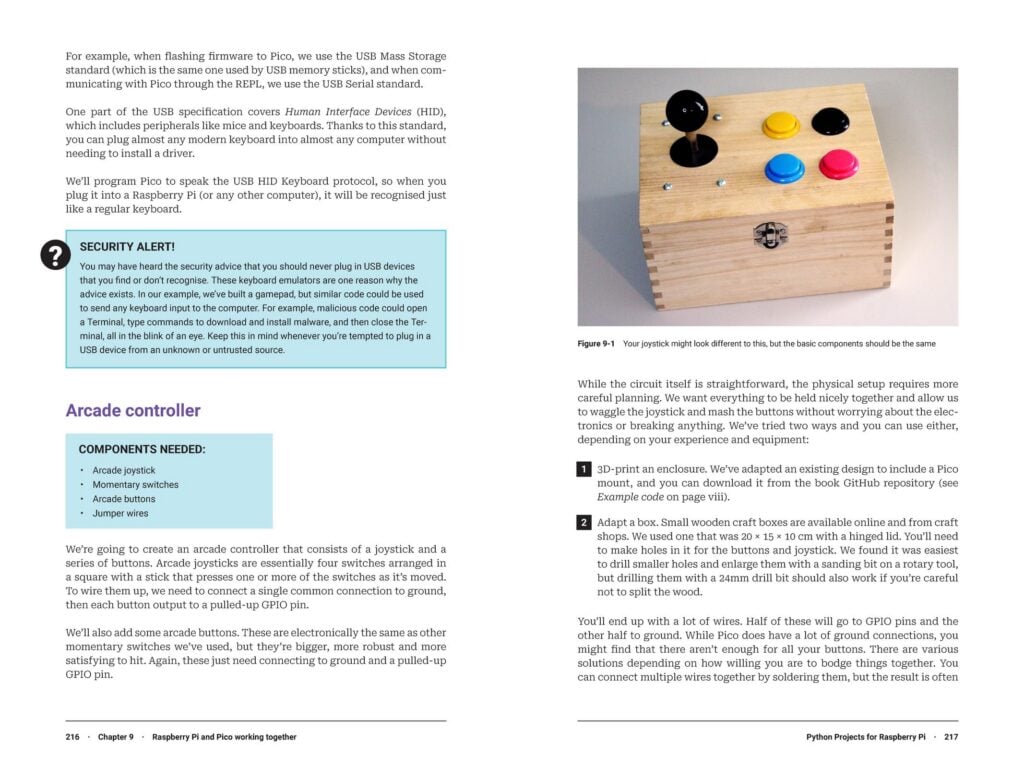
We’re proud of the two great books we have for people new to Raspberry Pi and Raspberry Pi Pico. The Official Raspberry Pi Beginner’s Guide is a great way to get started with our computers, and Get started with MicroPython on Raspberry Pi Pico helps you get up and running with our microcontroller-based boards. But until now, we haven’t had a book that provided the logical next step. Our latest book, Ben Everard’s Python Projects for Raspberry Pi, fills that gap.
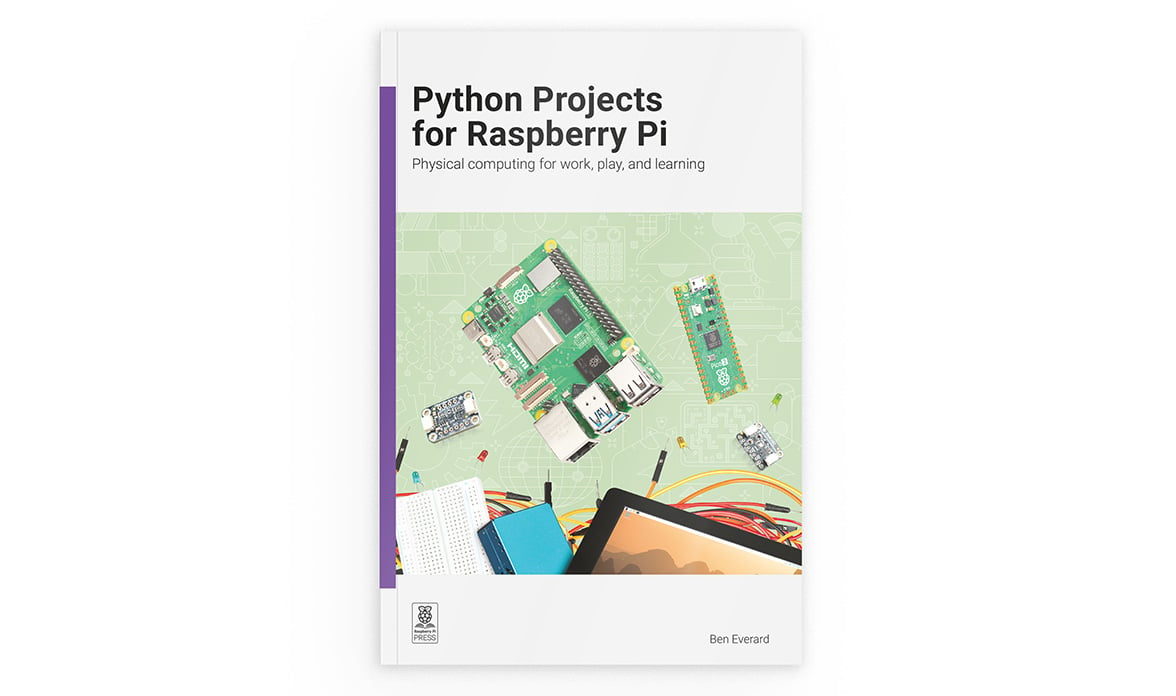
Made for those of you who ask “What next?” after learning the basics, this book is full of practical, hands-on projects that teach you how to use the more advanced capabilities of Raspberry Pi computers and microcontrollers. You’ll learn how to use a variety of sensors, displays, and actuators, and you’ll get to take a deep dive into PIO (Programmable Input/Output) along the way. You’ll also learn to build web interfaces, interact with web-based services, and even include some machine learning and AI in your projects. This is not some dry reference manual, however. Ben takes a project-based approach to teaching, and he has packed a lot of fun and practical applications into this book.
Skills you can use
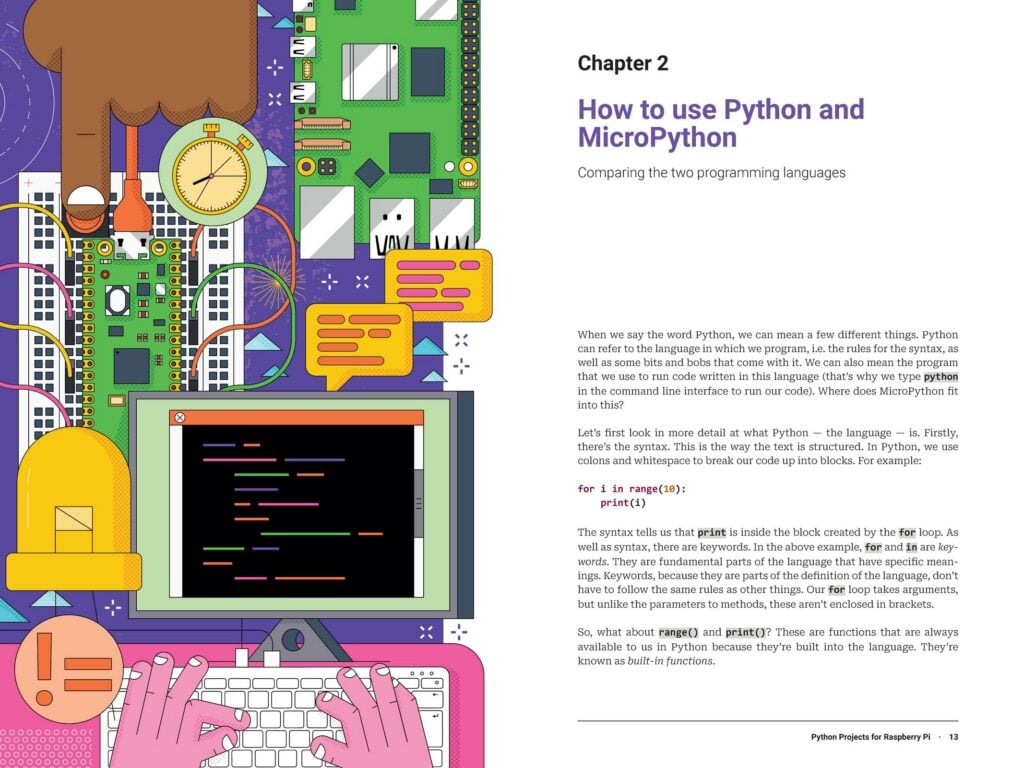
Python Projects for Raspberry Pi is full of practical tips, tools, and techniques. It provides helpful introductory information on choosing your Raspberry Pi hardware and working with Python and MicroPython. But this book doesn’t dwell on the basics. It quickly moves from basic components (like LEDs and buttons) to components that communicate over I2C, SPI, and UART, including a wide variety of sensors and displays for both Raspberry Pi computers and Raspberry Pi Pico.
If those standard protocols weren’t enough, the book includes more than 42 pages on PIO on both the Raspberry Pi 5 and Pico platforms. The PIO blocks are a feature of Raspberry Pi silicon that act as stripped-down, customisable co-processors running independently of the main CPU; they allow you to create or emulate custom communication protocols, all while leaving the main processor free for other tasks. The projects in the book show you how to interact with NeoPixel LED strips and rotary encoders using the PIO blocks on on RP2040 (on Raspberry Pi Pico), RP2350 (on Pico 2), and RP1 (on Raspberry Pi 5). While you’re learning to program PIO, you’ll also learn a bit about extending Python with C!
You’ll discover how to create a web interface for your projects, and how to work with cloud-based services, such as Google Sheets and MQTT servers. As if that’s not exciting enough, this book includes a chapter on machine learning: you’ll get to grips with using accelerometer data to train a gesture-recognition system on your Raspberry Pi or other computer. What’s more, you’ll go on to run inference on a Raspberry Pi Pico 2 to determine whether a specific gesture was performed. And you’ll find out how to run a simple LLM (Large Language Model) on your Raspberry Pi, without any need for a separate AI accelerator.
The fun you’ll have
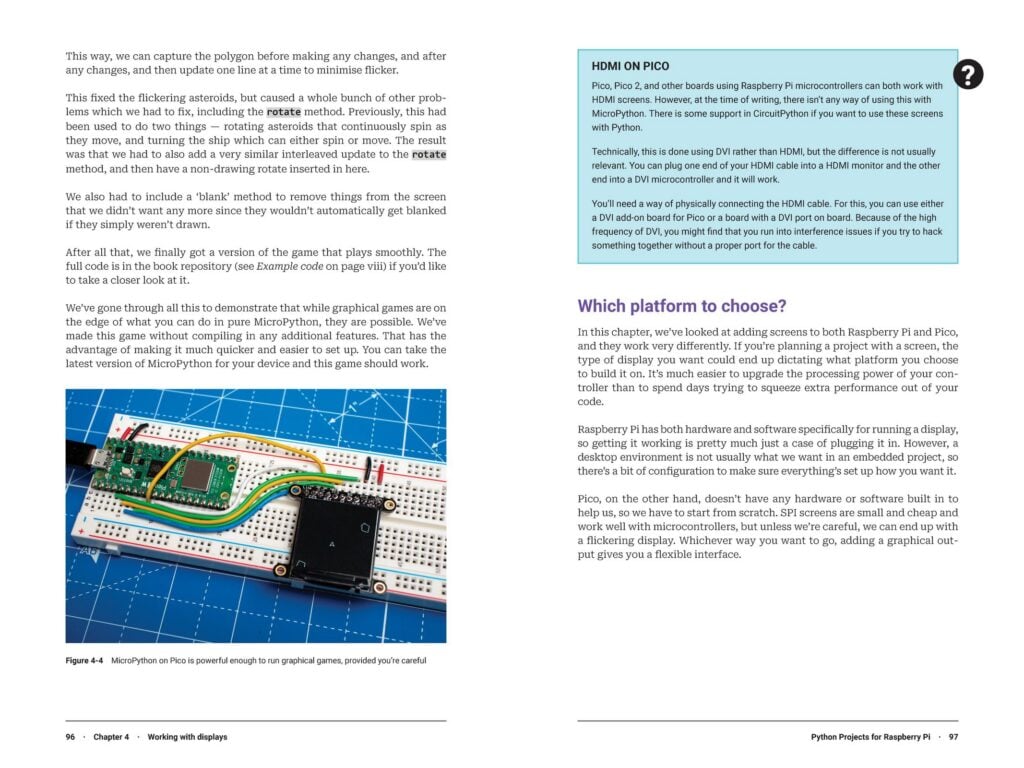
You’ll learn a lot with this book, and we promise you’ll have a great time doing it, as you build projects that range from the practical to the whimsical. For example, when you’re discovering how to work with I2C, SPI, and UART, you’ll put together the building blocks for an environmental monitoring station. When you work with displays, you’ll create a nice graphical interface for fetching weather forecasts, but you’ll also find out how to make the guts of a nice little handheld game console using both a Raspberry Pi computer and a Raspberry Pi Pico.
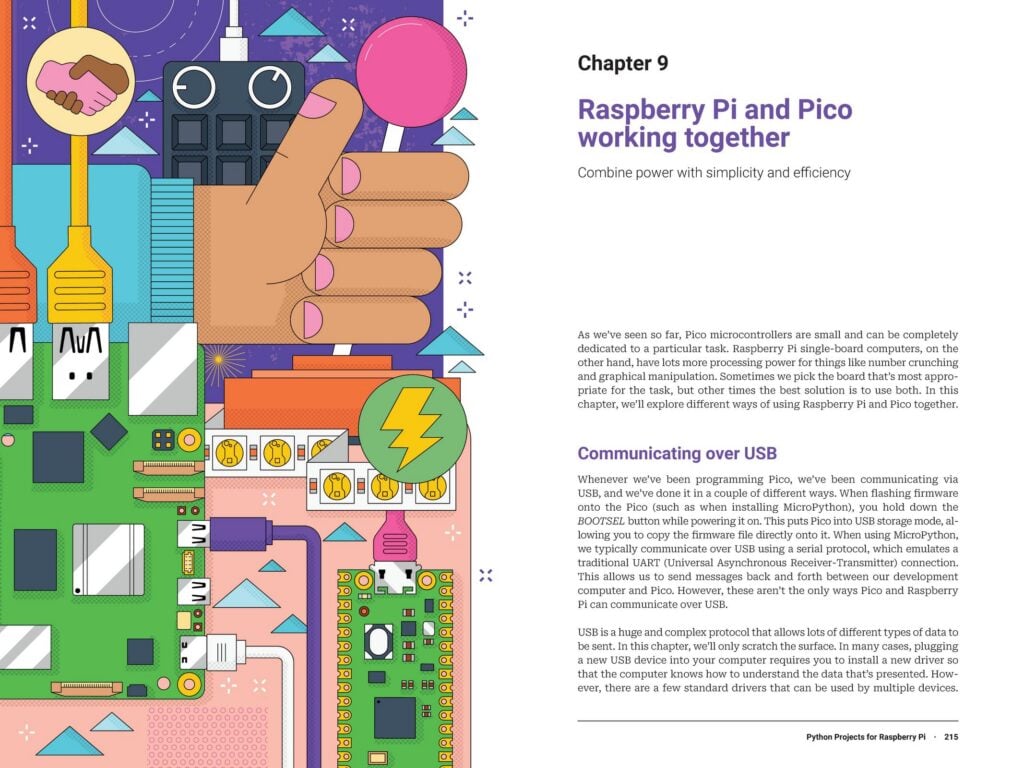
And that machine learning project with the gesture recognition? The end result of that project is a magic wand that lights up with sparkles when you flick it just the right way. The final chapter in the book brings your Raspberry Pi computer and Raspberry Pi Pico together for two fun (but practical) projects: a game controller and a networked light controller made up of distributed, Pico-powered nodes.
Get it today
Python Projects for Raspberry Pi is out today. You can pick up your copy from our store for just £19.99 £9.99 (introductory price). It’s also available from online retailers such as Amazon US and UK, and from other booksellers who have exceptional taste in books. If you’re interested in an electronic version, we’ve got several ways you can get your hands on a PDF or ePUB.
After you add this new book to your shopping cart, be sure to check out the many other books we offer in our online shop.


11 comments
Jump to the comment form
Kittenmage42
I prefer C++. Is there a C++ book for Raspberry Pi too?
Brian Jepson — post author
We don’t have one at this time, but there are a couple of books from other publishers on C or C++ with Raspberry Pi or Raspberry Pi Pico:
• Practical Robotics in C++: Build and Program Real Autonomous Robots Using Raspberry Pi (978-9389423464)
• Programming The Raspberry Pi Pico/W In C (978-1871962963)
Milliways
I still find it bizarre that if I contribute to a magazine I don’t want I can download books but I cannot actually buy one I want.
Raspberry Pi Staff Ashley Whittaker
Anyone can buy books from Raspberry Pi Press (or other online retailers).
You don’t have to be a magazine subscriber: https://magazine.raspberrypi.com/books
Milliways
I gave up buying physical books 12 years ago. I have thousands but most are useless after a couple of years and take up inordinate space. I am quite happy to pay for pdfs.
rclark
I don’t like e-books and such with the exception of tech notes or references. I’d rather have a ‘book’ in hand anytime. In fact a few months ago, I just updated to latest assembly books for the x86_64. Got rid of a few of the older ones which I’ll never use again. Updated to latest Rust books as that is a moving target… My C++/C, Pascal, Fortran, Cobol books are as good as the day I bought them years ago. Same with algorithms, Numerical recipes, etc. That said, I agree some books go rapidly out of date, like my old Linux books which I’ve deep sixed. But books like above will not go out of date as Python has matured and projects are projects whether now or 20 years from now.
Raspberry Pi Staff Ashley Whittaker
Adds “deep sixed” to personal lexicon
Brian Jepson — post author
Our e-books are also available on Kindle, Kobo, Apple Books, Google Play Books, and more. We don’t yet have a way to sell PDFs directly, but we also participate in Humble Bundles once or twice a year where you can get a whole lot of DRM-free PDFs and ePubs for one price.
John Reebel
Where can I get help when confused about something in the book? Specifically I’m struggling with getting Blinka into the Pico.
Raspberry Pi Staff Ashley Whittaker
https://forums.raspberrypi.com/
Billion nerds await you on the forums
John Reebel
Thanks. Found the details I needed on the Adafruit website.