StreamCrate: portable media server
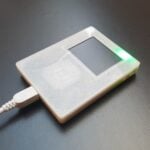
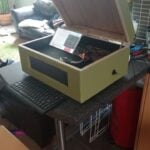
This versatile portable media server has been built around Raspberry Pi 4. It offers ten hours of playback running off a 20,000mAh battery and a 5TB HDD stores a synced copy of maker Daveed Walzer’s media library.
For some years, Daveed Walzer had what he felt to be the perfect portable media server: a 2TB WD My Passport Wireless Pro. Having purchased it in 2017, he loved that it would wirelessly stream media to devices via a Plex server while working remotely in the French Alps and bouncing between ski stations.
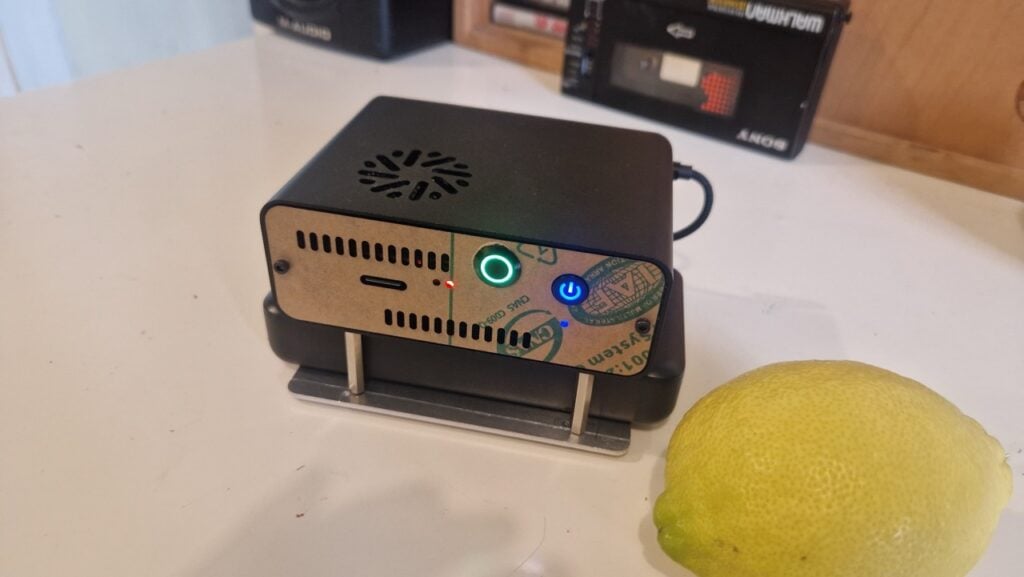
It runs Raspberry Pi OS Lite and automatically launches the media player when HDMI is detected
“It was a tiny, grab-and-go, offline media server large enough to hold my entire media library,” he recalls. “I used that thing in hotels, Airbnbs, friends’ places, flights, tents, and more. I could connect to its hotspot and watch on my tablet or most TVs via a Chromecast puck. But, like a lot of long-lasting tech, as years passed, I started bristling at what I wished it could do.”
Streaming ahead
Daveed said the 2TB drive capacity had become limiting. He preferred the open-source media server Jellyfin for true, local-only playback, but the device’s firmware was Plex-only. It also lacked HDMI output, so every time he forgot his Chromecast, he couldn’t use hotel TVs. He decided to build something to replace it based around a Raspberry Pi computer and asked AI for help.
He’d recently tinkered with Raspberry Pi 3. “Over a week, I put together a slick multiroom audio system centred around Raspberry Pi running OwnTone,” he says.
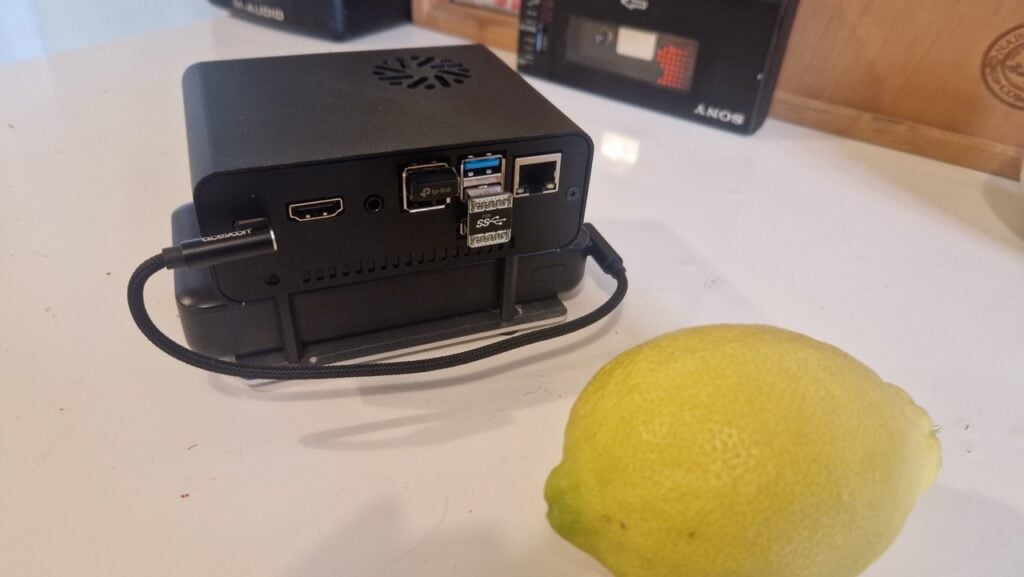
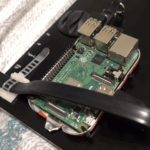
Encouraged, he asked AI if it was possible to recreate an updated version of WD Passport using Raspberry Pi. “It came back with ‘yes’, estimating a cost of $200,” Daveed says. “But what really screamed ‘let’s do this’ was the availability of a compact Geekworm Raspberry Pi 4 NAS case with a built-in 2.5″ SATA HDD bay.” Add to that a 5TB 2.5-inch SATA HDD, 20,000mAh power bank, and an external USB Wi-Fi adapter, and he had StreamCrate. On paper at least.
Cracking the Kodi
Daveed’s requirement was to store an entire mirror of his network-attached storage (NAS) master media library. He needed to stream from Jellyfin to whatever device or smart TV was around via Wi-Fi, or plug directly via HDMI and let Kodi on the Raspberry Pi play directly. When truly offline, he wanted streaming via a USB Wi-Fi adapter hotspot.
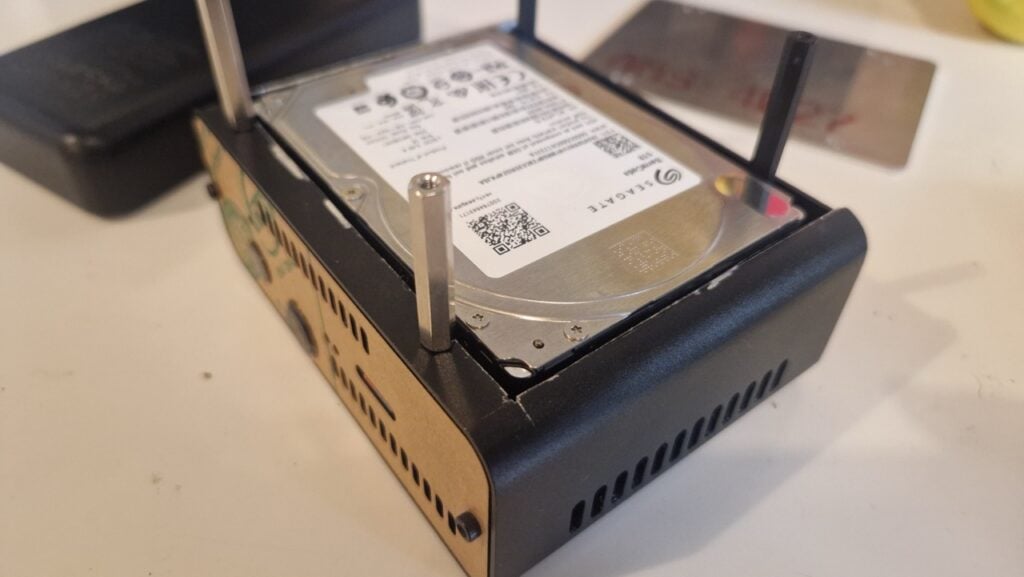
But there were some challenges. The case wouldn’t fit a taller 5TB hard disk drive. Some Raspberry Pi limitations required workarounds too. The Kodi player was successfully set to auto-launch when Raspberry Pi detected an HDMI connected TV, but direct playback of some shows and movies proved problematic.
“For direct HDMI connection to TVs, Raspberry Pi is not just the server but also running the player. Raspberry Pi 4 cannot directly play some media encodings – with 10-bit depth and 4K H.264 being the key examples. I ran an analysis of my media collection and 20% of the content was unplayable via Kodi on Raspberry Pi,” Daveed reveals.
“This ended up being the hardest part of the project: determining what needed to be converted and how to automate it so it all happened in the background. In the end, this was done via Tdarr transcoder, running in a Docker container on the NAS that hosts the master media library. It took days of tweaking to get working.”
It certainly works well. “I have my entire library with me, playing on almost anything, anywhere,” he says. “It’s a wonderful feeling settling in for an early night in the camper-van, to finish with an episode of Adventure Time and the kiddo nodding off against me after a big day of big experiences.”
Find more Raspberry Pi projects in Raspberry Pi Official Magazine
This article appeared in issue 164 of Raspberry Pi Official Magazine, which you can access online for free. You can also subscribe to the print version of our magazine. Not only do we deliver worldwide, but those who sign up to the six- or twelve-month print subscription will receive a FREE Raspberry Pi Pico 2 W!
You can find Raspberry Pi Official Magazine on Facebook, X, Threads, LinkedIn, and Mastodon. You can also contact the team via email: [email protected]


4 comments
Jump to the comment form
James Cygnus
Really would like to know how this was done for anywhere near $200. The drive alone is more than $150.
Andrew Jones
Same here would like to see a build guide
Morberis
I’d love to know how they got around the DRM issues. Kodi can be extremely limiting.
Grug
>Having purchased it in 2017
Yep that’s how it’s actually affordable