Introducing the Raspberry Pi Guide to Retro Gaming
Hey there, folks, Rob again! When I said I’d “see you next year” in the Raspberry Pi Official Annual 2027 blog post, I was lying. Fortunately, it was for a good reason, because I’m back to announce our brand-new Raspberry Pi Guide to Retro Gaming, out now.
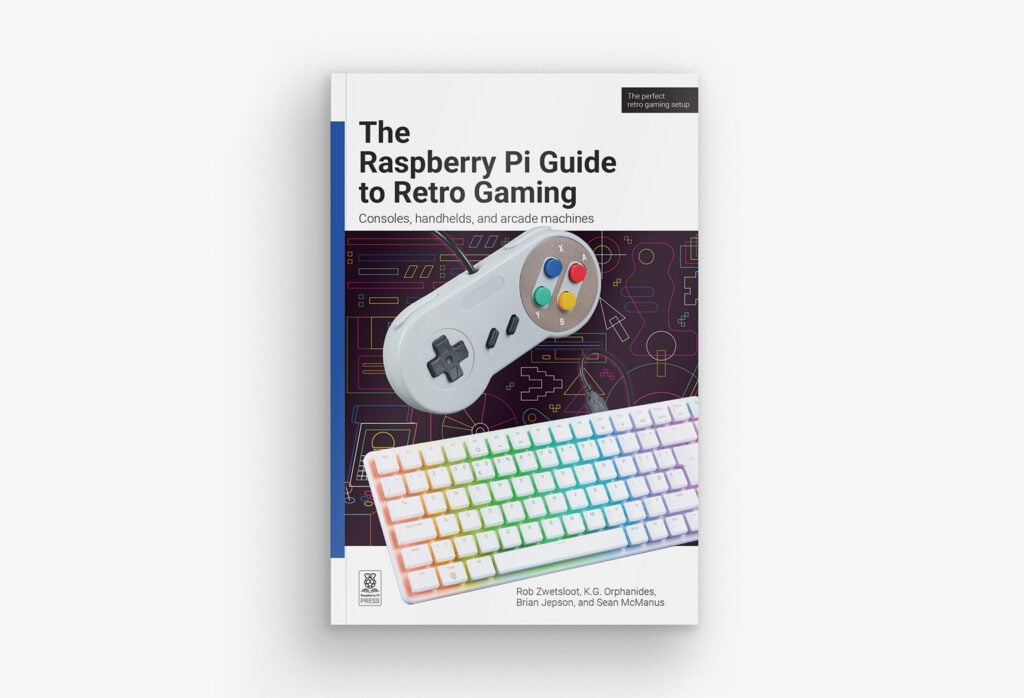
Raspberry Pi and retro games go hand in hand, with people emulating classic consoles and computers on Raspberry Pi devices since shortly after the release of the original Raspberry Pi. Today, emulation on a Raspberry Pi is extremely powerful, with loads of individual emulators and packaged operating systems to choose from, allowing you to play games on hundreds of platforms. You can even make handhelds and arcade machines, and run them all on CRT TVs with your own tweaks and optimisations.
The definitive guide
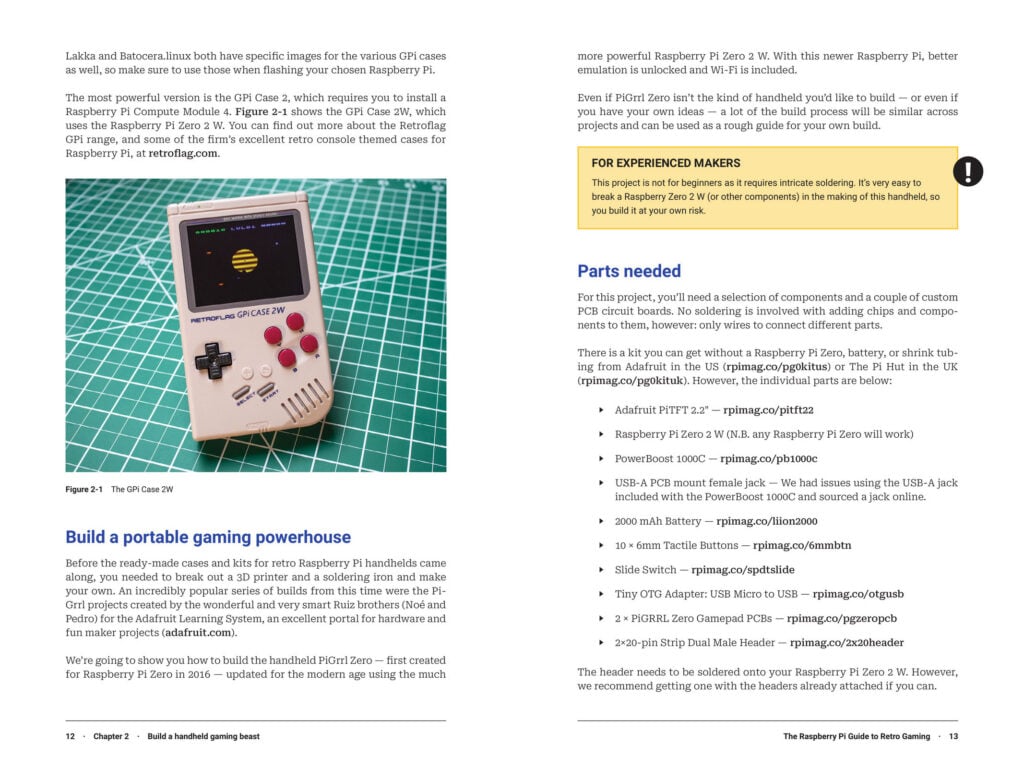
With so many ways to play retro games on a Raspberry Pi, getting started might seem daunting, so we decided to make this book to demystify it all. It begins with an easy quick-start guide I wrote to get you gaming as fast as possible. Sorted.
If you’d like to take your time and learn about what’s on offer, I also wrote about the various emulation operating systems available for Raspberry Pi and what each individual Raspberry Pi computer can handle.
While I’m very confident in my knowledge of retro console emulation, when it comes to classic computers I defer to Brian Jepson’s expertise. As well as being my boss and Publishing Director here at Raspberry Pi Press, he’s also a volunteer at the Rhode Island Computer Museum and has a vast wealth of knowledge around 1980s and early 1990s computers — and how to emulate them. He’s written several tutorials on how to emulate about a dozen computers from the 8- and 16-bit era, along with a few early 32-bit systems. Each is a little different on Raspberry Pi, but you’re in safe hands with Brian’s tutorials.
Advanced emulation
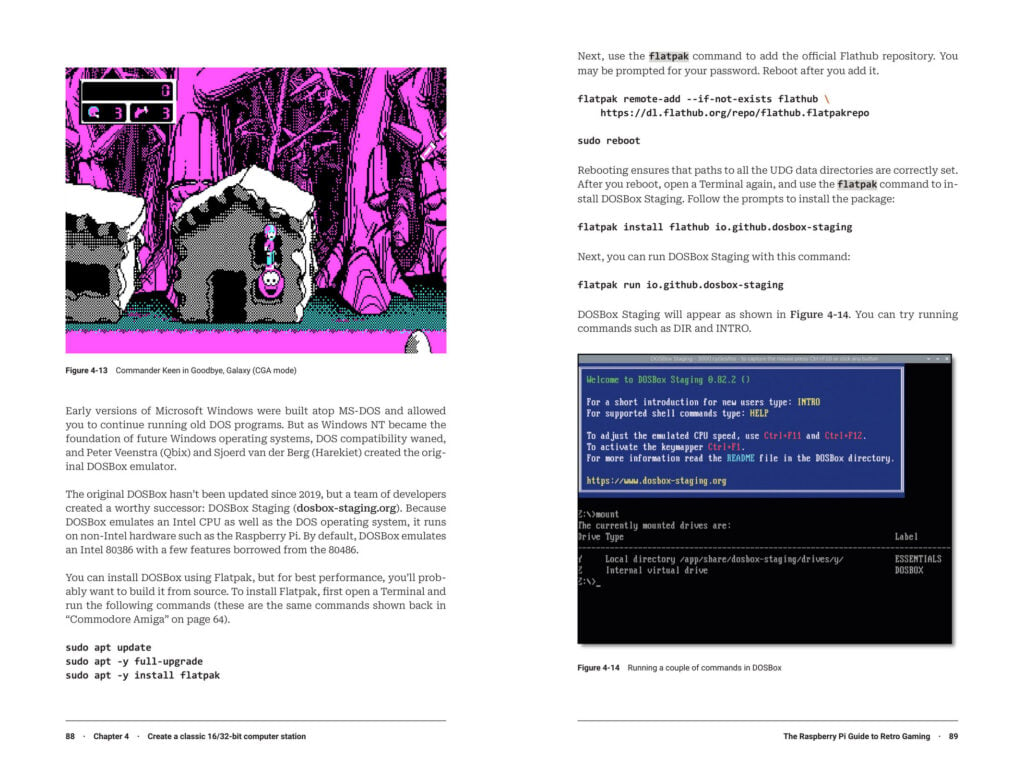
As I wanted this book to be pretty definitive, we go quite in-depth with emulation. Our resident retro gaming expert K.G. Orphanides did a deep dive on tweaking your emulation settings to get the most out of your setup, and also showed us how to build a full arcade machine and use old CDs, floppy disks, and DB9 joysticks on a modern Raspberry Pi.
Not sure where to find games for your new retro powerhouse? I put together a guide with K.G. on where to find legal ROMs sold on modern digital stores like Steam and GOG — it turns out there are a lot if you know where to look! Don’t forget the homebrew scene either, with folks still making new games for 40-year-old consoles.
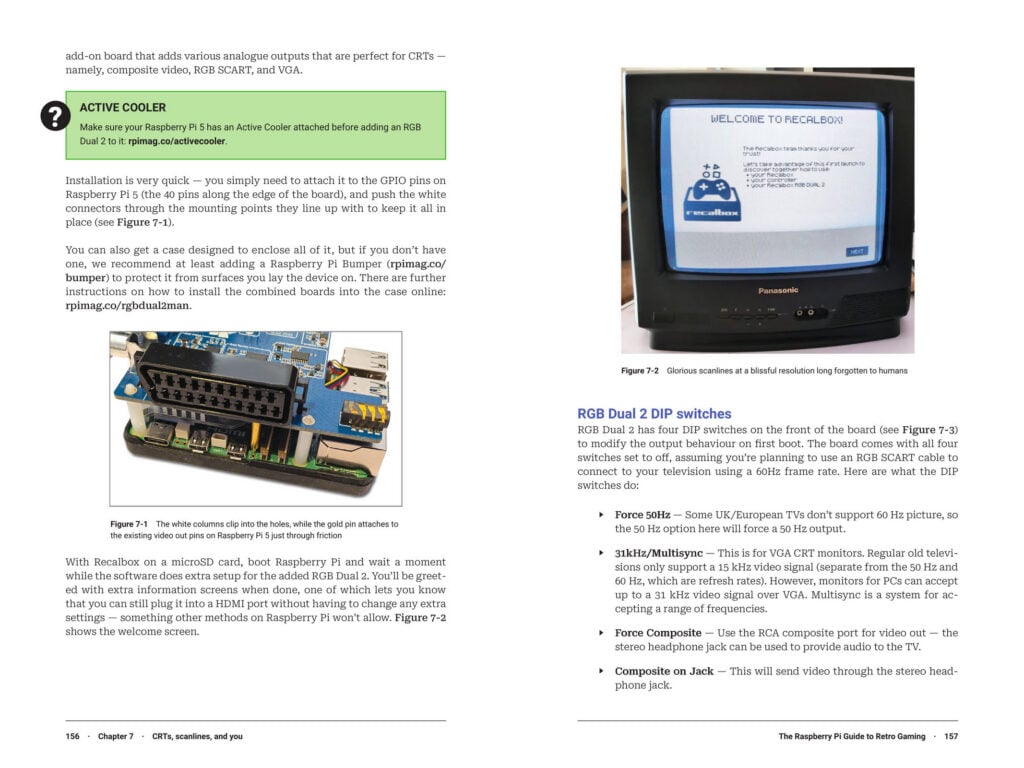
Brian and I also took a look at running a Raspberry Pi on CRT displays and old tellies thanks to some nifty Raspberry Pi add-ons. A lot of retro games were designed to use scanlines and other peculiarities of old screens, and they look much better if you have space for one in your house. You can even use a classic PS2 light gun with them.
DIY retro
Finally, Sean McManus shows us how to program games on a Speccy via an emulator, complete with listings you can type out! But never fear — unlike the mags of the 1980s, the code is all available online and can be downloaded straight to your machine if need be.
We’ve all been working very hard on this book over the last year, and I’m very excited to see it in people’s hands. I hope it can help inspire — or level up (sorry) — your retro gaming journey.
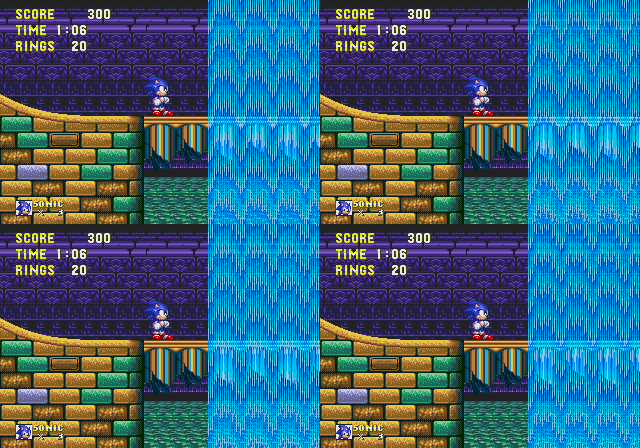
You can grab the book online from our store for just £19.99 £9.99 (introductory price), on Amazon UK and Amazon US, or at the official Raspberry Pi Store in Cambridge. Now if you’ll excuse me, Hydrocity Zone won’t play itself…
No comments
Jump to the comment form