RC plane OSD | #MagPiMonday
Upgrading your RC plane is easy when you can get a Raspberry Pi Pico to give you a HUD. This #MagPiMonday, Rob Zwetsloot gives it a go.

Remote and wireless technology has come a long way in the last decade or so. With the explosion of drones with cameras, and the continual shrinking of camera tech thanks largely to mobile phones, RC planes have been able to take advantage of the trend too. Maker Wojciech Domski wanted to take it a little further, and decided to overlay data on the picture being sent back.
“It is all about telemetry and tracking what is happening to the plane during flight,” Wojciech told us. “For example, the current battery voltage. It is a pretty good indicator of how much power you have left and, thanks to it, you can estimate the remaining flight time.”
Pico Power
While looking for OSD (on screen display) devices that would fit his need for telemetry, he came across a project on an RC forum that worked.
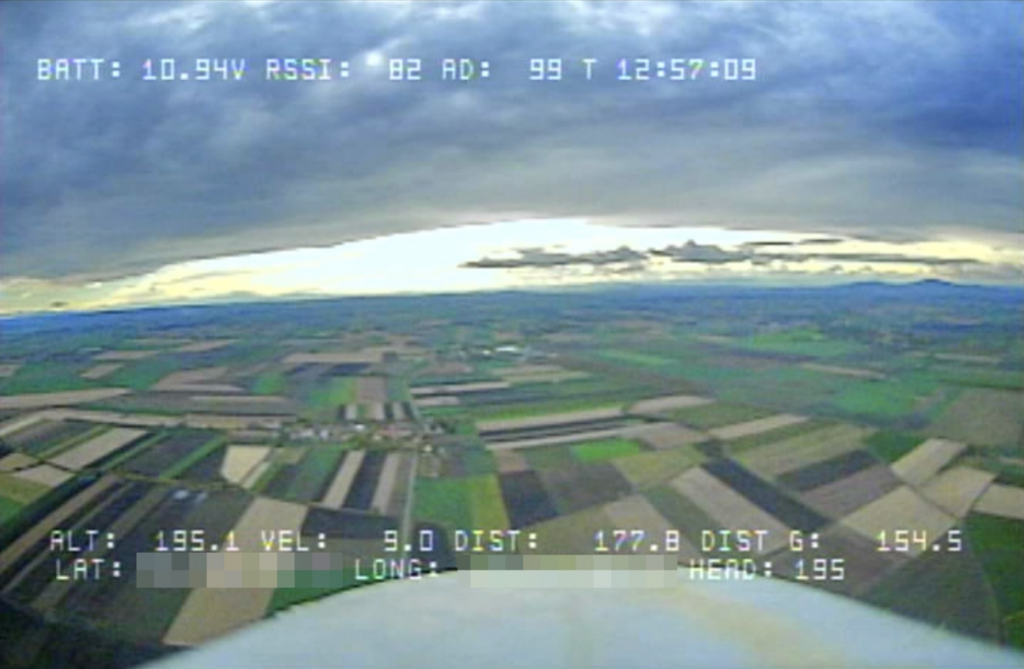
“The idea was compelling because it did not use many external elements; only a couple of resistors, capacitors, and diodes,” Wojciech explained. “However, it wasn’t going to work for me. I have carried out tests on different cameras with different lighting conditions and it turned out that without adaptive detection of the synchronisation signal from video, this solution would not work in my case.”
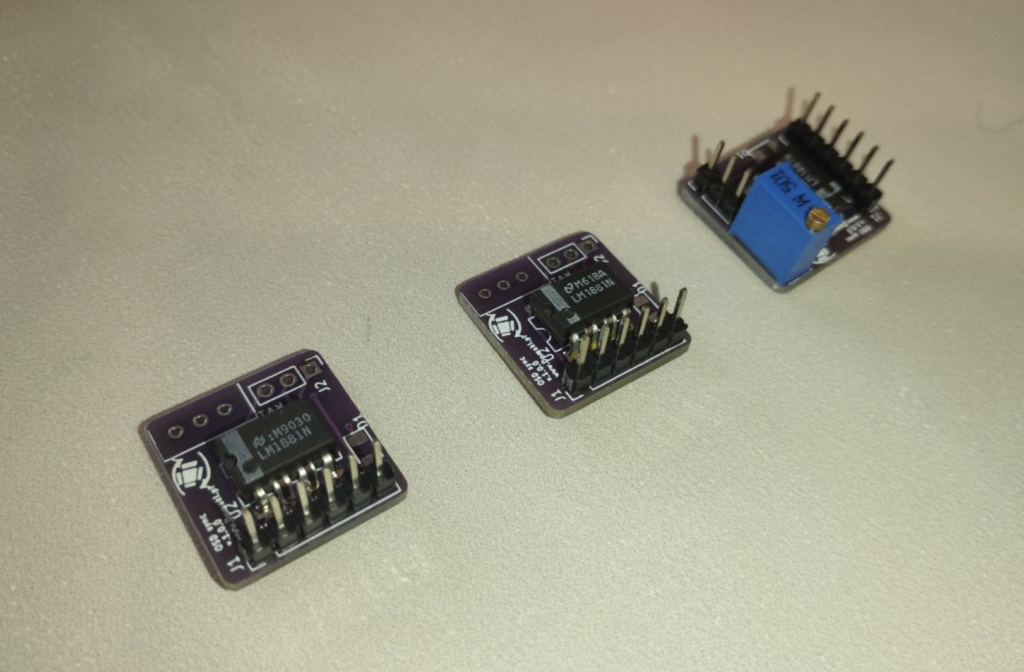
Making use of an external video sync signal detector, Wojciech was able to sync up everything needed and just needed a way to get the flight controller to talk with an OSD. The I2C bus ended up being the solution.
However, instead of using Raspberry Pi for the OSD, Wojciech decided instead to experiment with Pico: “I thought that an OSD project using Raspberry Pi Pico would be a good starting point.”
“I decided to use it because of the nice features it has,” Wojciech continues. “For starters, the amount of flash memory compared to other microcontrollers but also the PIO. I think it is a very nice and useful feature that has been lacking in other microcontrollers.”
He also mentions that its size helped a lot as well. Along with a custom PCB with the video sync chip connected, he created the OSD.
Flying higher
“Since using the build, I have not had a single problem with the OSD device,” Wojciech tells us. “It is reliable and works under different lighting conditions. Also, I believe that the most important part of each new feature is the ability to turn it off. When flying, I sometimes disable the OSD in order to have a full view of the video, without any additional information like text.”
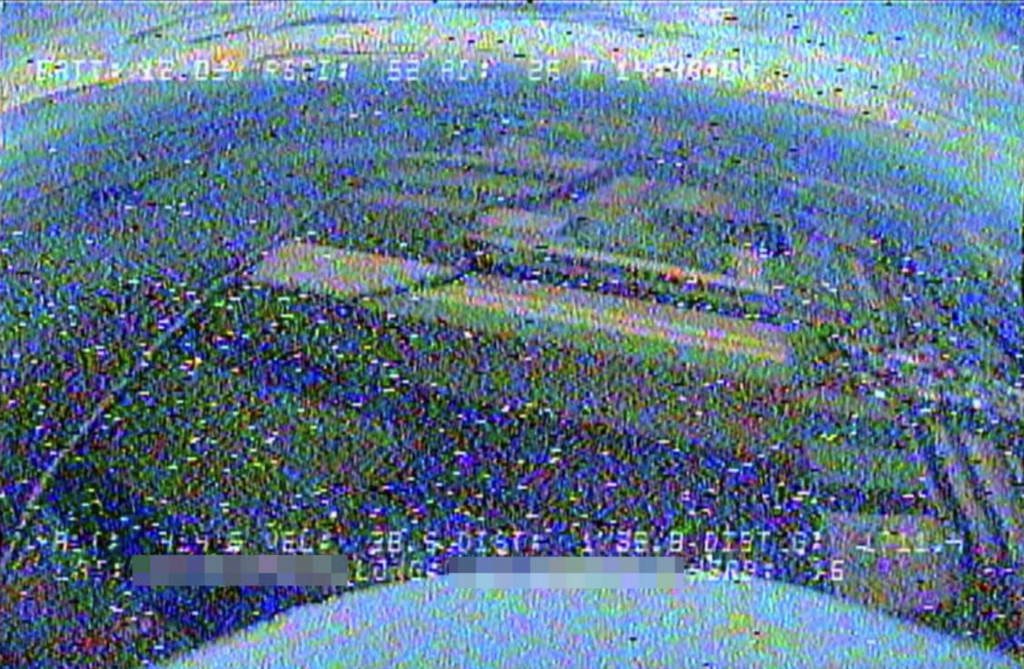
While Wojciech seems satisfied with the result, there’s other ideas he has for the OSD – he reckons Pico has enough power left to display more text and even draw shapes and graphics live.
“Another feature would be add a dimming option to the text,” Wojiciech says. “It would add some shadow behind the printed text. This would significantly increase readability. However, this would require some more modifications not only to the code but to the hardware as well.”
The MagPi #142 out NOW!
You can grab the brand-new issue right now from Tesco, Sainsbury’s, Asda, WHSmith, and other newsagents, including the Raspberry Pi Store in Cambridge. It’s also available at our online store which ships around the world. You can also get it via our app on Android or iOS.
You can also subscribe to the print version of The MagPi. Not only do we deliver it globally, but people who sign up to the six- or twelve-month print subscription get a FREE Raspberry Pi Pico W!

No comments
Comments are closed