Got a Raspberry Pi for Christmas? Welcome to the family!
If you’re not new to Raspberry Pi, don’t run away yet — it would be lovely if you could scroll to the comments and drop your best hints and tips, or maybe even a beginner-friendly project idea. You are part of said family mentioned in the title, after all!
If you’re still reading this, there’s a good chance you’ve just unwrapped a shiny new Raspberry Pi. First of all: welcome! (And yes, welcome to those of you who bought one for yourselves; you are also most welcome). You’re about to enter a world full of tinkering, learning, and creativity.
What can I use it for?
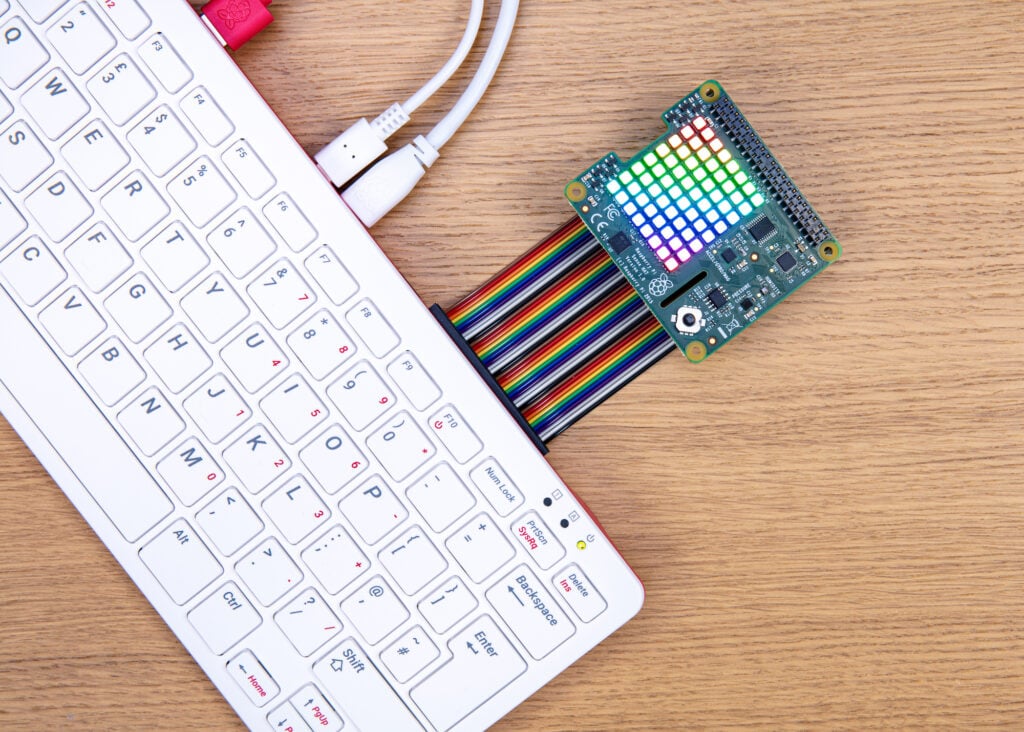
Your Raspberry Pi is a small but mighty single-board computer. Don’t let its size fool you — it can run full operating systems, so you can use it as a home computer. This is especially easy if you’ve got a Raspberry Pi 400, 500 or 500+, as those models are pretty much ‘plug-and-play’. You can find details for all of our hardware on our product pages.

One of the special things about Raspberry Pi boards is the GPIO pins (the spiky metallic bits running along one side of the board), which can be wired up to lights, servo motors, switches, and more. We’ve seen our boards and microcontrollers flying on the International Space Station, powering robots, performing home assistant duties, monitoring wildlife, and running machine learning models. If you’ve thought of it, someone has probably put a Raspberry Pi in it.
Where to start
Here are the best resources to use as a Raspberry Pi newbie:
Raspberry Pi Press
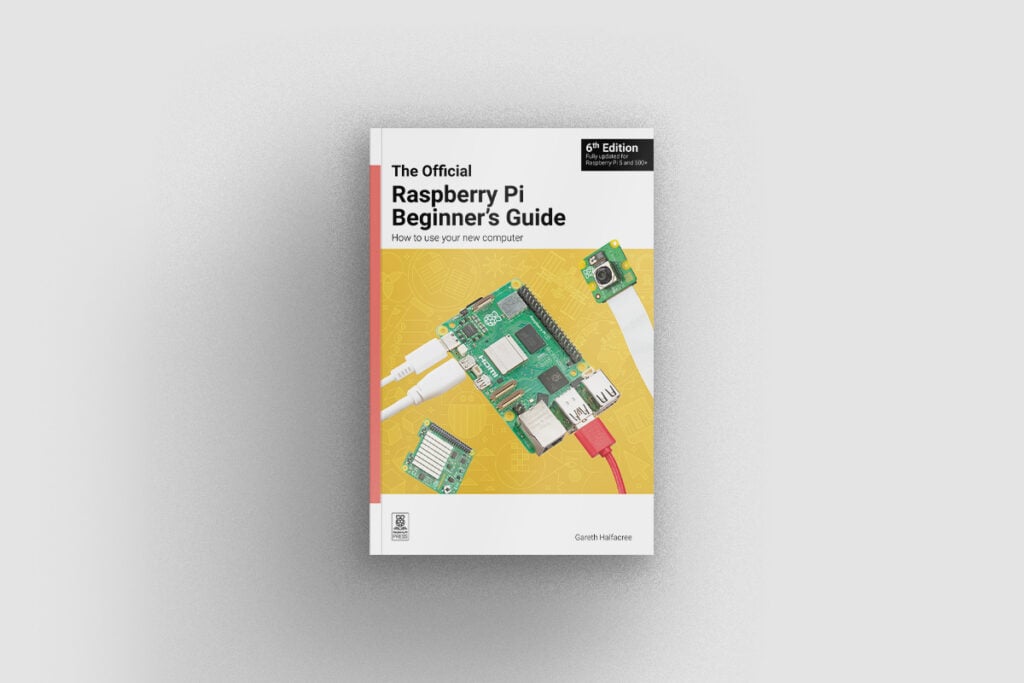
Raspberry Pi Press has published loads of books. The best place to start may be The Official Raspberry Pi Beginner’s Guide, as it’s perfect for people needing guidance every step of the way.
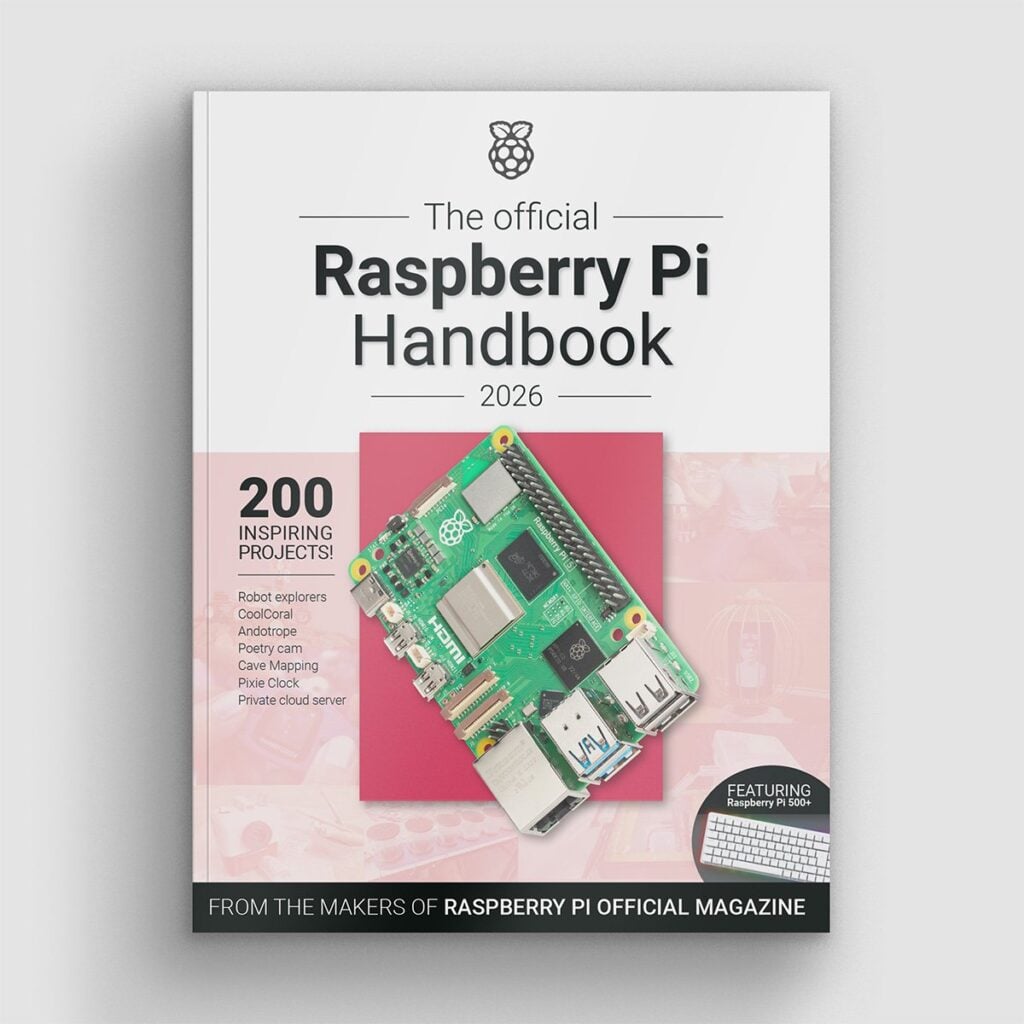

The Official Raspberry Pi Handbook is a huge book of tutorials, project showcases, guides, product reviews, and much more from the pages of Raspberry Pi Official Magazine. This edition includes a get-started guide covering every Raspberry Pi model, so it’s also a good choice for beginners.
If you’re a bit more confident in your coding skills and partial to digital nostalgia, Code the Classics should be right up your street. It’s a good-looking book that’ll teach you how to run and edit vintage games, while also sharing game design tips and tricks from the masters.

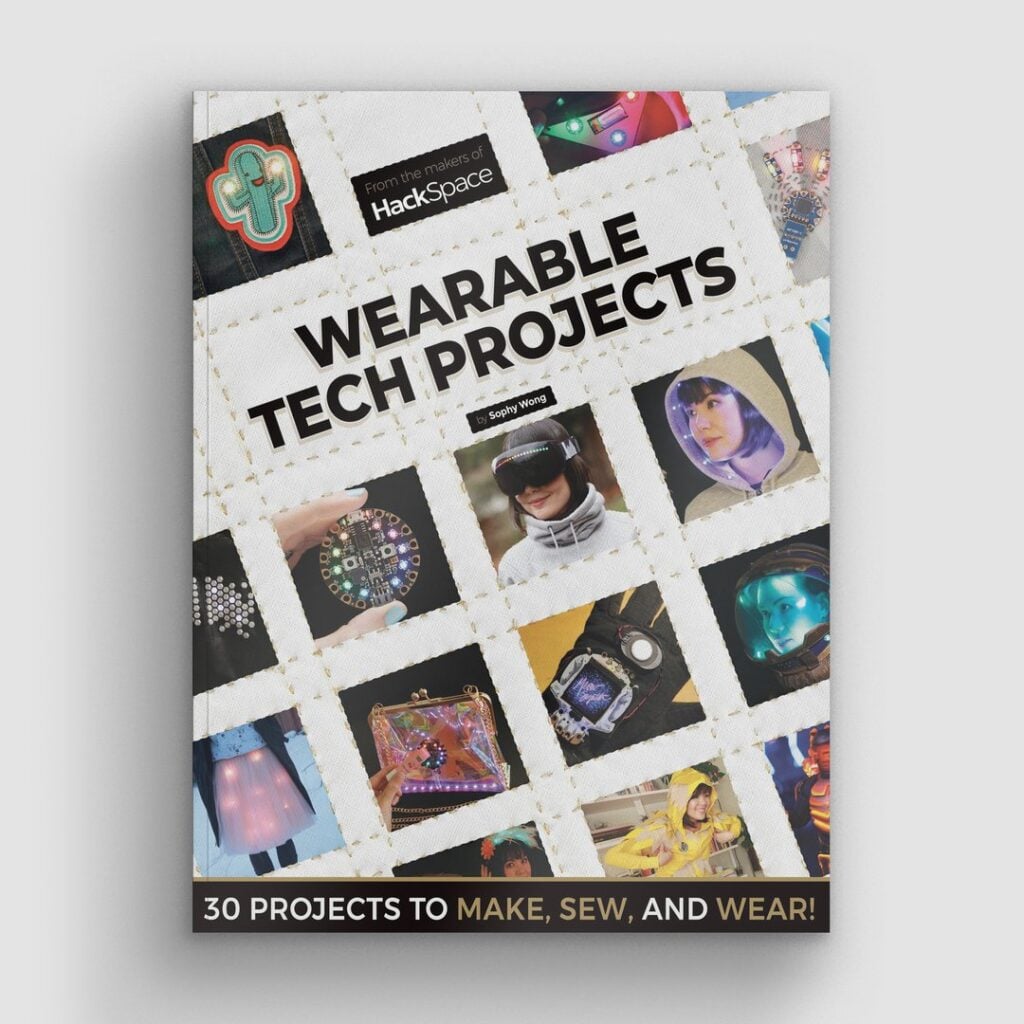

Have a scroll through our online book store. We’ve been publishing titles for ten years now, so there should be something for everyone, whether you’re interested in creating wearable tech, exploring photography and video on Raspberry Pi, or reading about the computers that made the world.
Raspberry Pi Official Magazine
Raspberry Pi Official Magazine is our monthly publication. It’s stuffed full of tutorials, interviews, and reviews, so it’s a good place to look if you’re thinking of buying an accessory for your Raspberry Pi, or if you simply want to immerse yourself in the community.
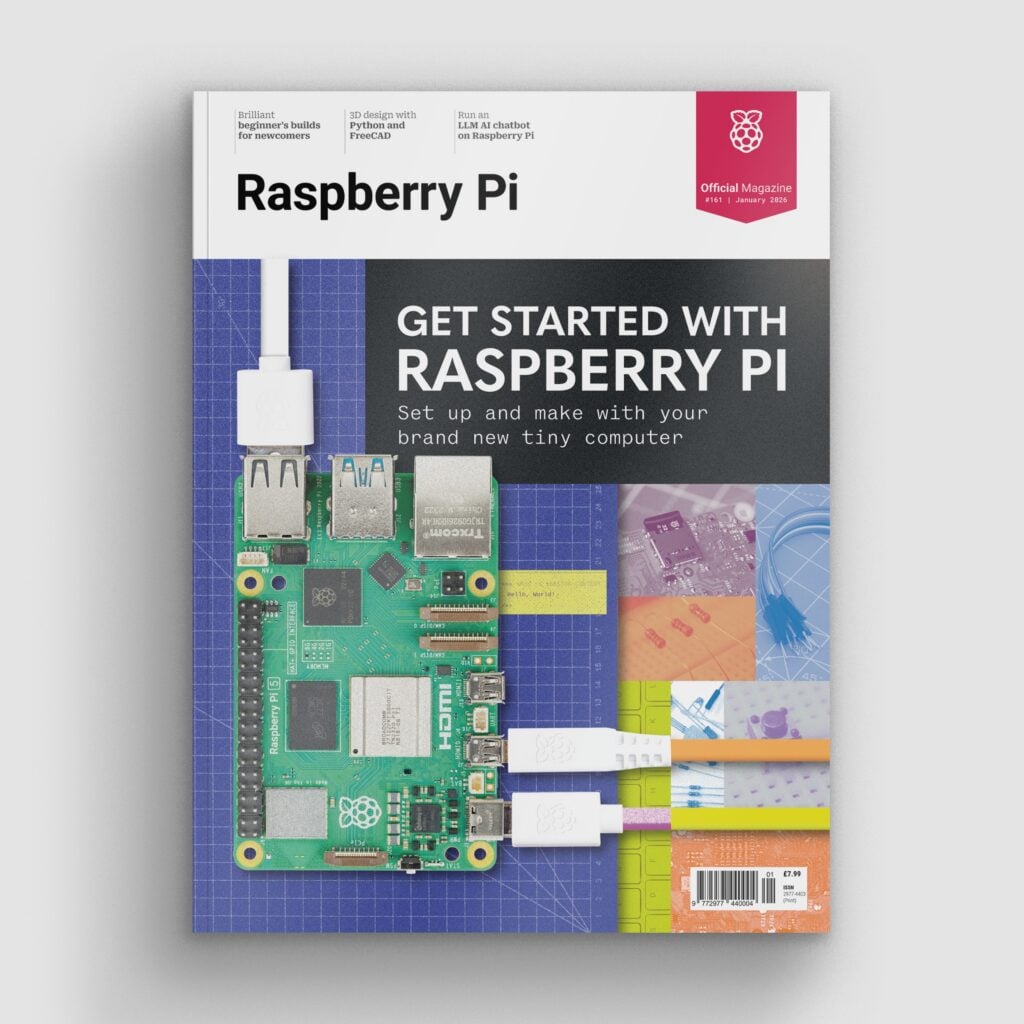
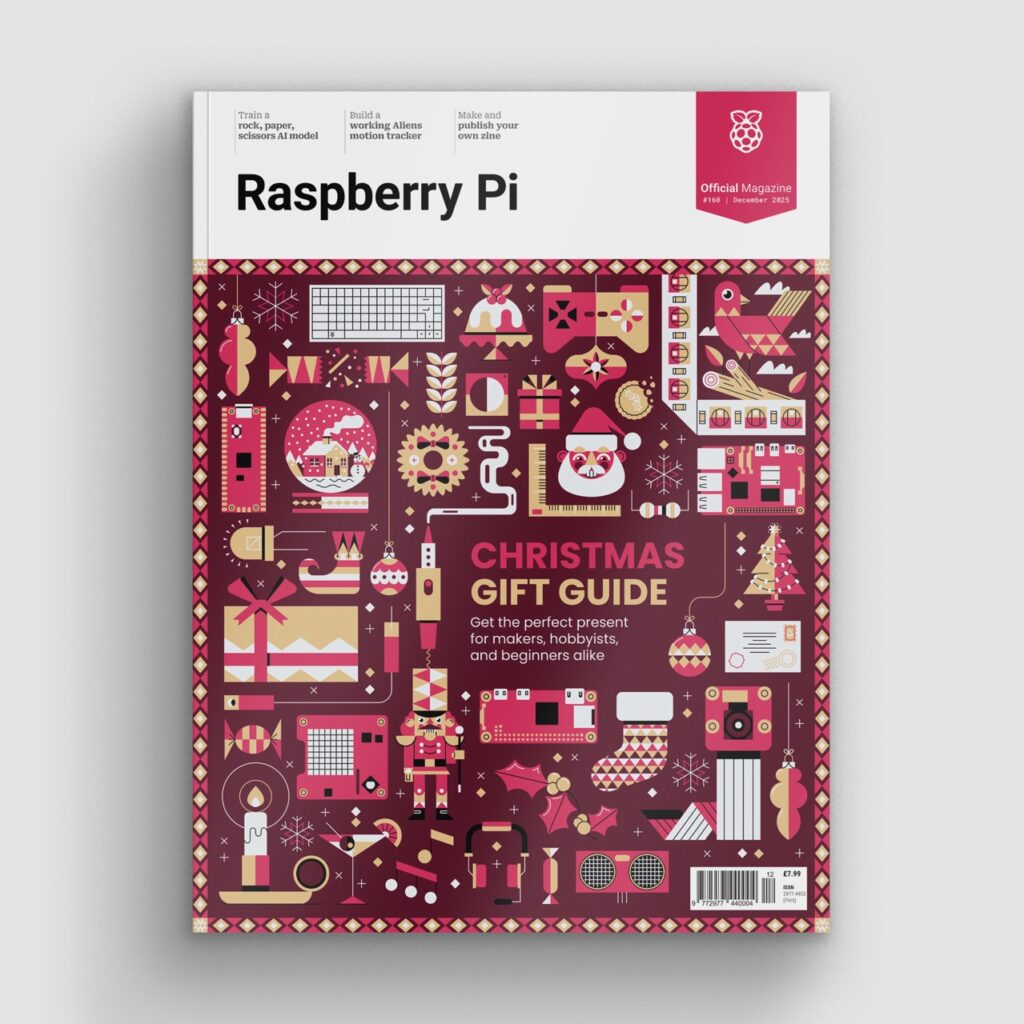
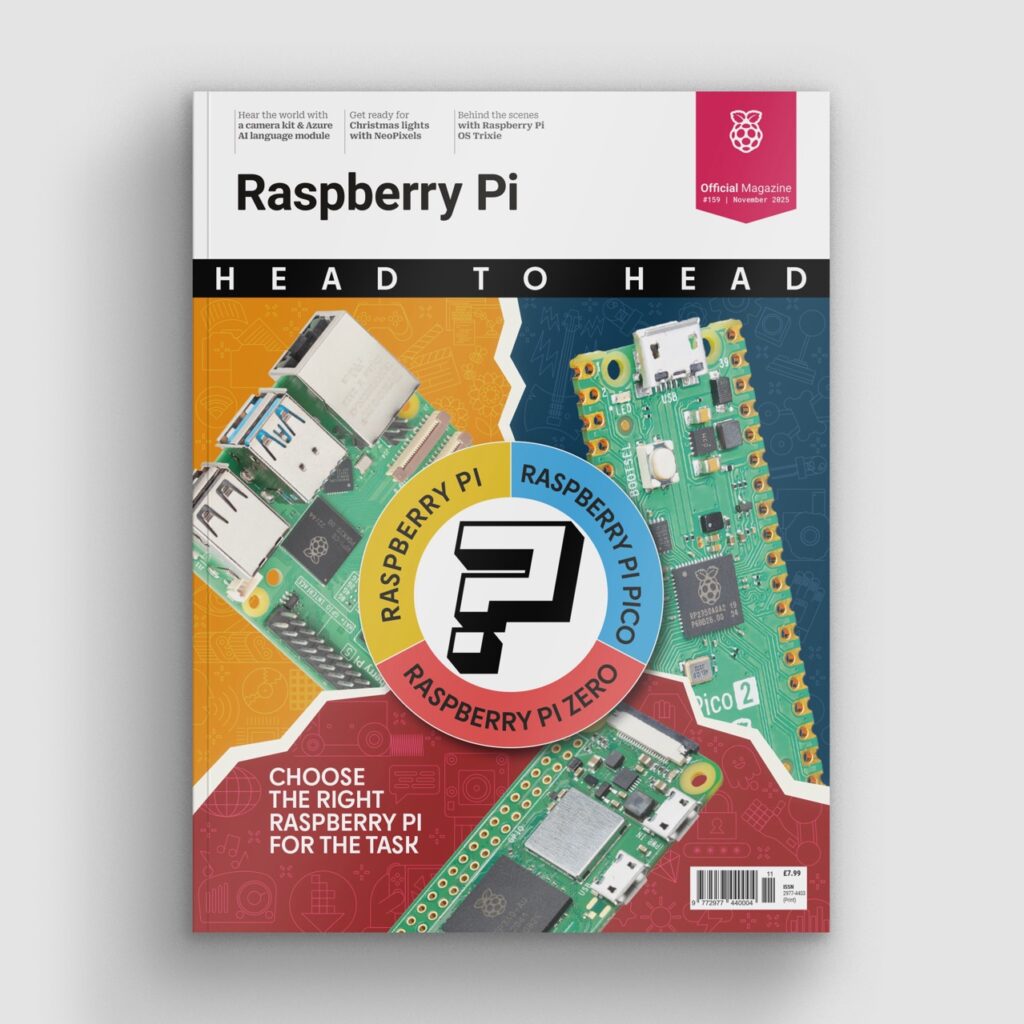
You can buy physical issues from some UK supermarkets and newsagents, as well as the Raspberry Pi Store in Cambridge, UK. It’s also available from our online store, which ships around the world. You can get a digital version via our app on Android or iOS, and all of our back issues are available to download for free.
Raspberry Pi Forums
Stuck? Got questions? Got coder’s block? The Raspberry Pi Forums are full of helpful (and extremely nerdy) people, including many of our own engineers, who’ve been exactly where you are now and can help you work through the problem. Don’t be scared — there is literally no enquiry too incidental for the forums; I myself have posted a lot of nonsense, and everyone was very nice to me.

YouTube creators
We love the online maker community, and YouTube is an especially helpful resource if you’re new and looking for a gentler-paced walkthrough, or if you need things explained in beginner-friendly terms.
Some bigger accounts posting content often include DigiKey, element14, Electromaker, and Adafruit.
Or, if you’d like to lose a few hours down a digital rabbit hole, take a look at some of the recent videos from accounts we are subscribed to. We have literally too many YouTube friends to mention.
Enjoy the journey and have fun
Every Raspberry Pi owner remembers their first boot-up, their first blinking LED, and their first (and 500th) “Why isn’t this working?” moment — we’re all still learning, no matter how many years we’ve been tinkering. Embrace the process. Play. Explore. Break (software) things. Fix them again. That’s what this community is all about.

Welcome to the wonderful world of Raspberry Pi, and happy making.




28 comments
Jump to the comment form
Yusef N
Raspberry Pi is the best! Python is also the best! The RPOM is the best, too!
Raspberry Pi Staff Helen Lynn
Thanks, Yusef :-)
Sanumo
I habe buy in last month a pi5, an 4x pi3 for my Projects. Best Performer on DIY Market. Thank to the Raspberry PI Foundation
Will Q
I had the original pi model 1 many years ago at launch and now I’ve just picked up the pi zeros and absolutely loving them! So far I have built a small crypto miner for several coins, made an MP3 player and currently working on building a data storage nodes!
Jacob Yates
Currently working on littleOS(RP2040) https://github.com/Night-Traders-Dev/littleOS
Bramble(RP2040 Emulator)
https://github.com/Night-Traders-Dev/Bramble
And SageLang
https://github.com/Night-Traders-Dev/SageLang
Olydnad_SWE
I bought some CM5s a week or so ago. However, far from everyone I have. I have a Raspberry Pi disease;). The only one I haven’t gotten hold of is an RPi 500+. Planning a purchase next year.
Merry Christmas and Happy New Year Raspberry Pi!
thagrol
Given the request for tips it’s time for some self promotion: https://github.com/thagrol/Guides
Also available on the forums.
Nick
Thanks for the self promotion, those are really nice guides. :)
Mike
I use mine pointed perpetually at a dakboard webpage for our family dashboard. In the background it runs Pi-hole as an ad blocker for our home network.
Sean
The best advice you can give a new Pi user is this:
– commands are simple; su, sudo, cd, top, etc…
– use a LLm (gpt or other); tell it what you have: ask it to give you simple line by instructions on how to install some applications; libre office, VLC, setup printing, disks etc…think of an app you used on Windows or Mac and ask for Linux equivalent
Then ask it for pi-hole or other ad block network monitoring tools.
Berto
I recognize the RPi crew has been pretty pro-LLM, which is one of a few reasons I’ve been refraining from posting here —
but I really must emphatically state, please do not guide people toward LLM usage, and *especially* not for information that can be found via regular searching methods instead.
In addition to LLMs plagiarizing information and using an unsustainable amount of energy in the training process, an LLM is less programmed for accuracy of information and more programmed for what words are most probable to be grouped together. Hence, the many-upon-MANY documented instances of confident-sounding wrong answers.
Please, just, search out references instead. An LLM is not a reliable source of information; it can only fool you into believing it is, by imitating speech patterns without any actual sense of consideration behind the words.
And we really needn’t reward techbros who repackage and present plagiarized information, available elsewhere, as a conduit to collect so much sellable data to its users.
Let’s teach each other how to use search engines without the LLM features. Let’s ask for help from other people within proper groups. Let’s not isolate from each other by siloing from each other with inaccurate chatbots.
Olydnad_SWE
I am skeptical of AI. Feels like it would hurt the forum in here too. Now maybe it’s me who is outside the AI bubble, not using LLMs at all. But I have read a lot about it and also had an Ollama machine up for testing.
If this continues, we will have no websites left to go to, (my opinion then).
gus3
^ This. The “many-upon-MANY documented instances of confident-sounding wrong answers” has become so common, the mistakes have their own class: “AI hallucinations”.
Anders
Used appropriately, LLMs are a very useful and effective tool.
But easily misused.
The problem for the stand patters is that they aren’t going away and will become are ubiquitous as search.
crumble
Oh Goth,
LLMs are not the devil. StackOverflow is it. LLMs are very good to solve small problems you have, when you divide and conquer. They do this much better than StackOverflow which is full of BS, because the rules of SO forced people to fill it with that s*t.
If you don’t trust large companies, you can run LLMs on a 16GB modell. Not fast, but if you are a beginner everything need more time as well. When you copy and paste your first “ReadMail -rf /” you learn how important backups can be. And how important it is to mark your media and not the case.
If you solve small programming puzzles with an LLM, you learn how much you can trust them. This is much better than loving or hating them without any own experience.
Beside that you will learn how important all kind of software tests are. Especially if you use a lot of foreign code.
John Euteneuer
I would like to know if I can make a raspberry pie cluster with a TP link raspberry pie cluster Wi-Fi router
Sajith
1.what are ya trying to say 2. If you want to make a cluster and use a TP link router (or any router it doesn’t matter) then u can.
zion
i got a pi5 8gb ram version for christmas and that thing is awsome!!!! it can run ubuntu or rasbian depending on what u pprefer and handles gamecube like a boss i honestly expected thatvthung to start strugling at psp but dont let the size fool you those things are beasts cant wait for the pi 6 you know im getting one thanks to the rasberry pi creators whoever you guys are <3
Olydnad_SWE
I also like to emulate on a Raspberry Pi 5. As you write, a lot works on it. However, GC is 50/50 for me. Games that are in 60 frames per second are a little too much. PSP works 100% for me. At least on my games I tried. 20-30 games or so. Some games even with scaling 2-3X. Looks beautiful!
Raffah Siddiqui
Thank you for being so inclusive Ashley, it was very unexpected but an incredibly warm welcome to the community from someone who is an employee. While Christmas may officially be over, it’s still the holiday season and this article made me feel warm and fuzzy inside… and justified my “Christmas / Work” gift to myself lol.
I’m a 30 year old who misses the golden era of hardware/software when we had variety in the market. I miss the internet when we had forums. Not to out myself as a nerd but in middle school all of my friends and I were building our own .tk forums because our parents wouldn’t let us have Myspace and Facebook was still seen as cringe.
Fast forward to 2025 and as someone who just bought a Raspberry Pi 5, official mouse, keyboard, case, etc. I have got to say the setup was pretty quick. I think I’m going to be using the Pi to build out a handheld device for my home-brew work tool. Being intentionally vague as our community knows… it is a serious work tool.
That being said, our community is all about sharing. And I hope you guys are okay with me saying “our community” even though I’ve been using one for only 20 minutes. My idea is to build palm pilot os with internet and apps. Nothing fancy. I just miss my palm IIIC and used it until it’s death in 2019. I miss homebrew palm apps and would love to be able to make my own again or modernise some existing ones.
Steve Crane
I recently saved by not renewing my Feedly subscription and have replaced it with FreshRSS running on my Pi Zero W alongside Pi-Hole. Running the DietPi OS BTW.
Mitso Simo
I goit gifted a Raswpberry Pi 5 last year, and I still love it to this day! But I can’t deny this article was the most touching thing I read this December.
ComputerL
Merry Christmas!
Eliana
Do u guys have any advise on where to start when making a devise that uses a humidity sensor to test the likelihood of mould growing in a room
Nick
In funny news, with the Raspberry Pi and Flipper Zero being banned from the mayoral inauguration in NYC, make sure you don’t take your Christmas present there.
And don’t even think about going with a Raspberry Pi Zero, they will enter panic mode. :))
rclark
Picked up a couple RPI-5 1GB for new projects this year. Not sure ‘what’ projects … but they are now available :) . Like eating potato chips 1, 2, … is never enough…
That said, I do know I’ll be using one of them for some bare bone programming (no OS, just my program running on the board) experience. Should be fun.
Gamer
Hi, ive been using my pi 4 for about a year now and its really fun to homelab with these things
Josh
Got mine for Orthodox Christmas! I’ve used it every day since!