Play retro games on this giant magic mirror
I am officially calling this the biggest build we’ve seen using a Raspberry Pi 5 since we launched it last October. Please feel free to call me out in the comments if you have seen one powering a life-size mechanical dinosaur or some such. I will very much enjoy being proven wrong in this instance.
David from element14 built this oversized project because he has a soft spot for magic mirrors but wanted one that was a bit more multi-functional. David’s version can be used as a regular full-length mirror by any member of his household wanting an outfit check, but it does much more than that.
How big?!
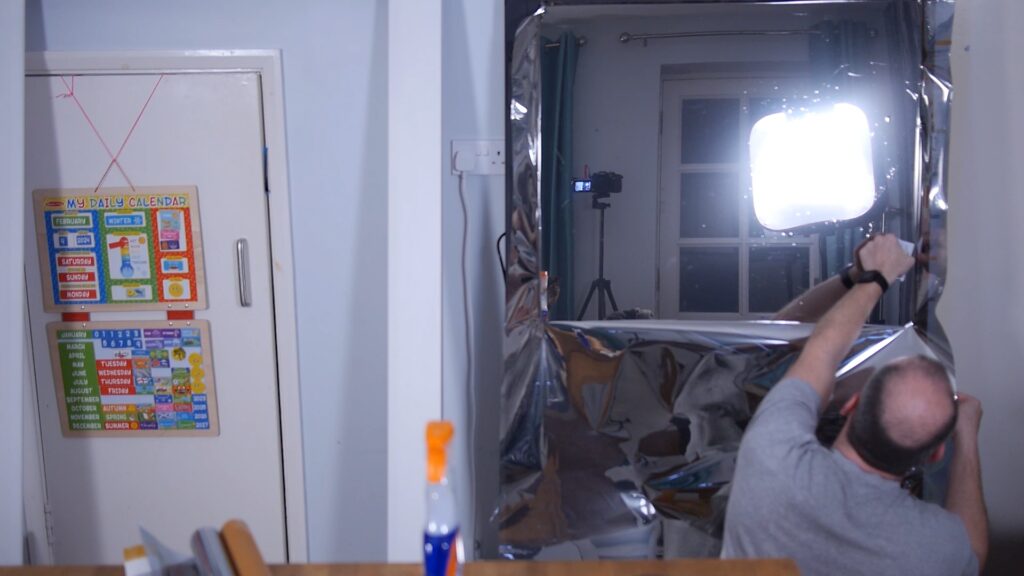
The magic mirror is actually a 65″ touchscreen monitor with a 4K display covered with metallic film. 65 inches is huge. Your average baby elephant stands at three feet (36 inches) tall, so that’s two baby elephants standing one on top of the other.
A PIR sensor detects motion (or lack thereof) in front of the magic mirror, and turns the screen on and off accordingly. The sensor has a very wide field of view, so it detects proximity and activates the screen when a person walks into the room; this means the mirror should have already kicked into gear by the time someone is standing in front of it. It also means it’s not hanging on David’s wall drawing 200 watts of power every hour of the day: it only switches itself on when necessary.
Gaming, calendars, weather forecasts, and more
Raspberry Pi 5 runs RetroPie to allow users to play pretty much any classic video game they want. You can plug your gaming controller of choice into one of the ports at the back of the TV and get started with ease once RetroPie is loaded. The mirror also displays David’s family calendar appointments and pulls the local weather forecast from an API. You can, of course, program it to show any other information you might want. Perhaps you could include local train times, so you know when it’s time to stop gaming and go home.
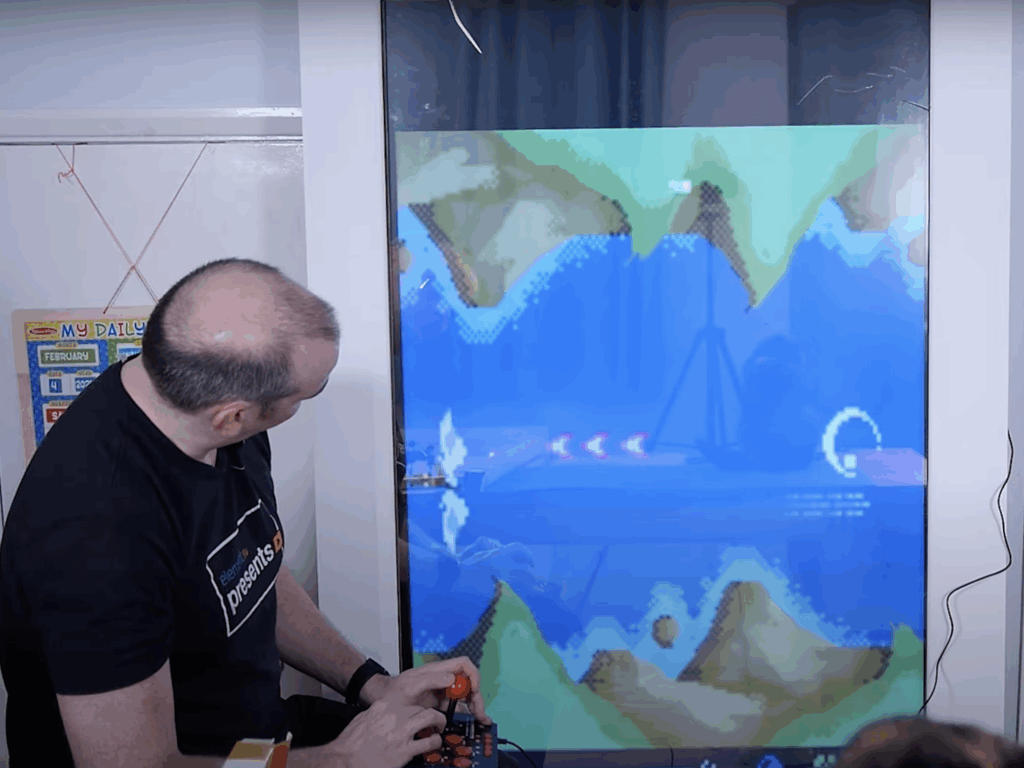
The mirror is quite slow to power off, and David had a terrible time trying to get horizontal games playing on a vertical screen, but other than that he’s pleased with how it all turned out. He is welcoming tips from those who can help with the horizontal/vertical issue, so please head over to the YouTube comments or the project page to dispense whatever wisdom you may be able to share.



No comments
Comments are closed