Mighty projects for your 1GB Raspberry Pi 5
DRAM is pretty expensive these days. In the latest issue of Raspberry Pi Official Magazine, we rounded up a range of project ideas that make good use of the 1GB Raspberry Pi 5, helping you select the right amount of RAM for your applications. This article forms part of a larger feature on how to make your memory go further.
With the same powerful BCM2712 system-on-chip (SoC) as the other Raspberry Pi 5 models, the 1GB variant offers a more affordable entry point for users who need extra processing grunt and/or features, such as a PCIe connector to add a Raspberry Pi NVMe SSD or AI HAT+. To this end, we’ve rounded up a range of project ideas that make good use of the 1GB variant’s performance without requiring a large amount of RAM.
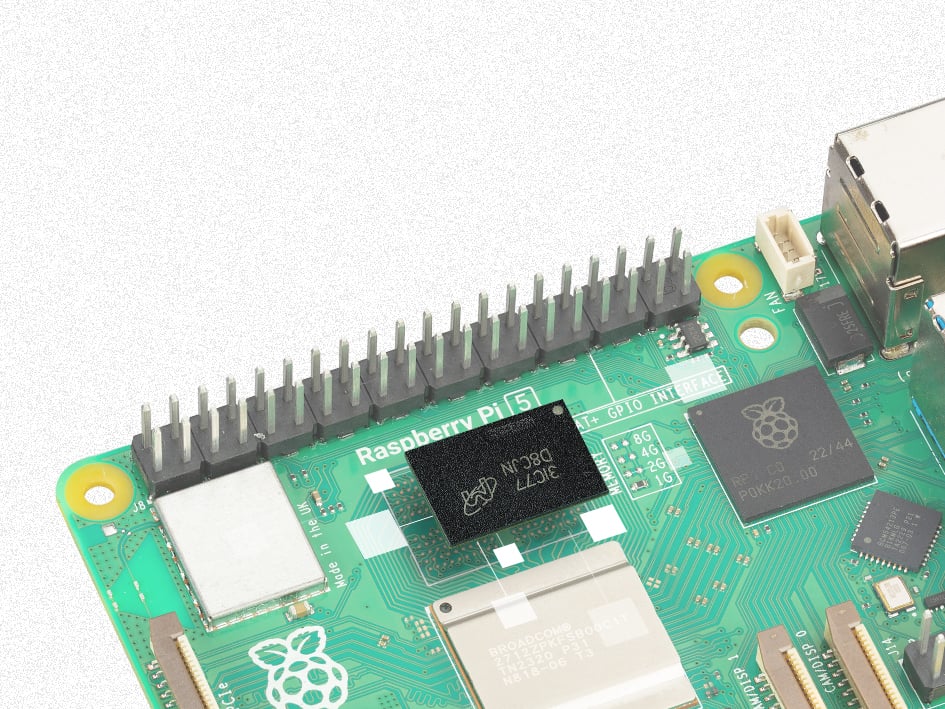
Media centre/NAS
Since the 1GB variant of Raspberry Pi 5 has a PCIe connector, you can use it with a Raspberry Pi M.2 HAT+ (or alternative) to connect an M.2 NVMe SSD (solid-state drive). Not only does this provide extra storage, but it also allows you to boot Raspberry Pi OS from the SSD instead of the standard microSD card.
As well as speeding up general performance with lightning-quick read/write speeds, the SSD is ideal for creating a media centre (to stream movies, TV shows, and music) and/or NAS (network-attached storage).
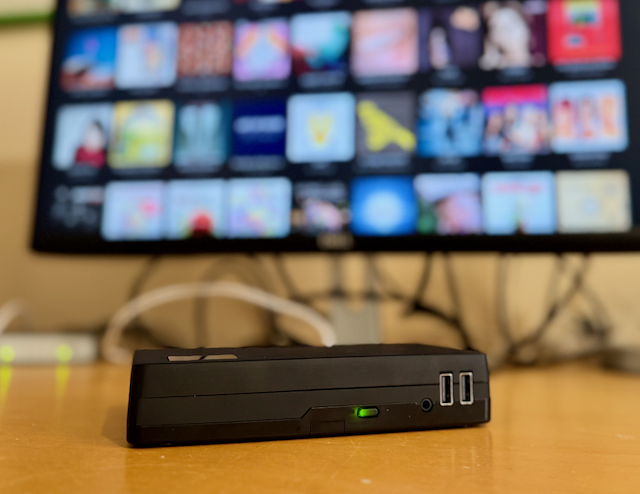
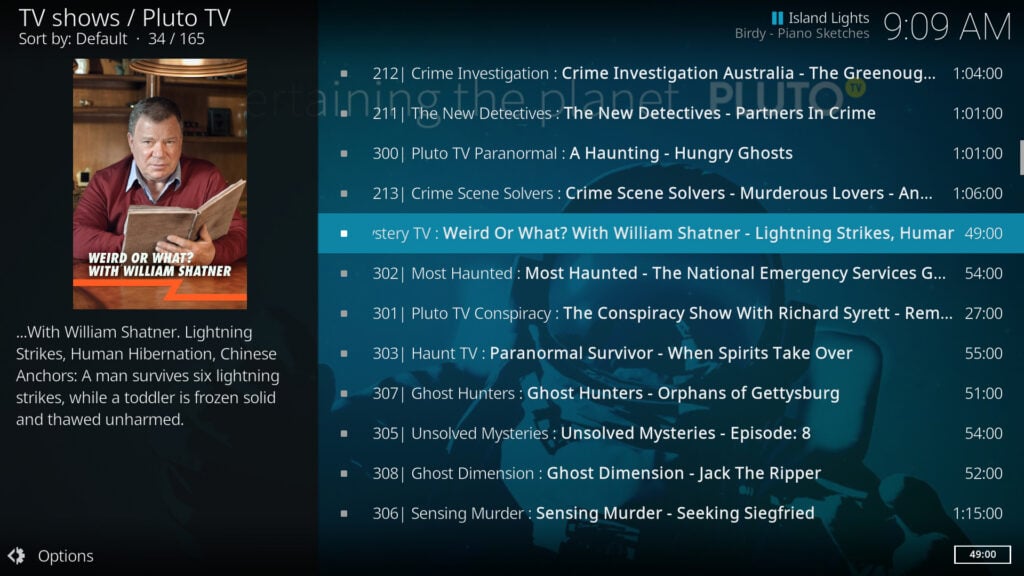
The easiest way to create a media centre is by using a Kodi-based OS such as LibreELEC or OSMC. For more details, check out our media player guides in issue 132 and 155.
Alternatively, you could set Raspberry Pi 5 up as a discrete NAS box, allowing files to be accessed wirelessly by other devices on your network using the Samba sharing protocol. For setup details, see our NAS tutorial.
Retro gaming
As with most other models, the 1GB variant of Raspberry Pi 5 can emulate many classic computers and consoles. Higher RAM is only really needed when trying to emulate more modern systems, so anything up to and including PlayStation 1, Saturn, and Dreamcast should work fine — this includes NES, SNES, Mega Drive/Genesis, GBA, MAME, ZX Spectrum, C64, and Amiga.
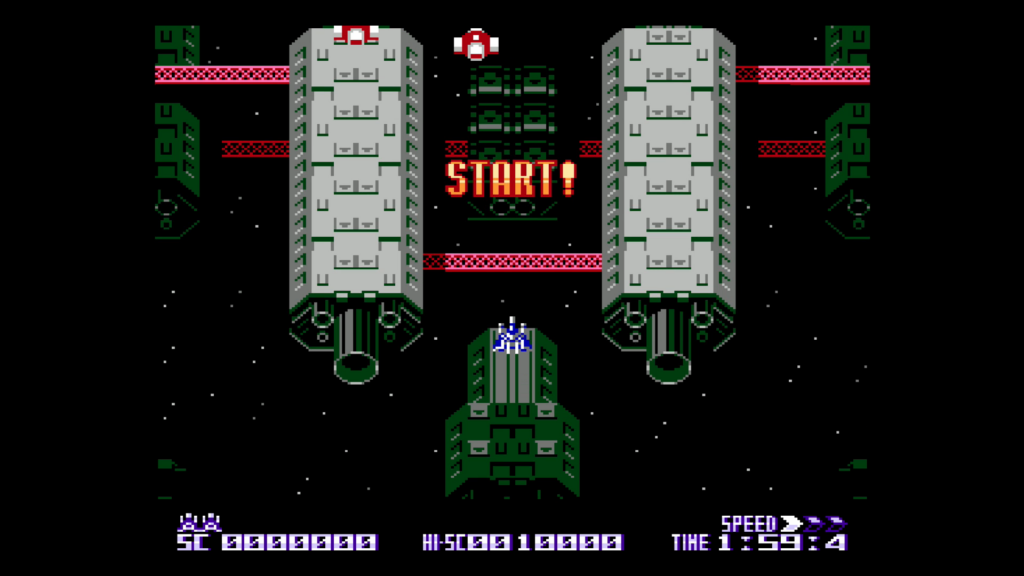
The choice of OS is up to you: Recalbox, Lakka, and Batocera should all work fine — as does RetroPie, though you’ll need to install it manually in Raspberry Pi OS as there’s no ready-made OS image for Raspberry Pi 5.
Game ROMs can be added via a USB drive or over the network. Be careful downloading them from sites hosting copyrighted games illegally, however. There are lots of other legal ROMs available, including many modern ‘homebrew’ titles developed for classic hardware.
Internet radio/hi-fi
While the 1GB Raspberry Pi 5 doesn’t have a built-in audio output, you can listen via Bluetooth headphones or speakers, or through a TV connected via HDMI. Alternatively, for superior sound, several DAC HATs are available to link it to your hi-fi equipment. With the Raspberry Pi DAC Pro, for instance, you can even enjoy high-definition 24-bit audio at 192kHz — far better than standard 16-bit CD quality.

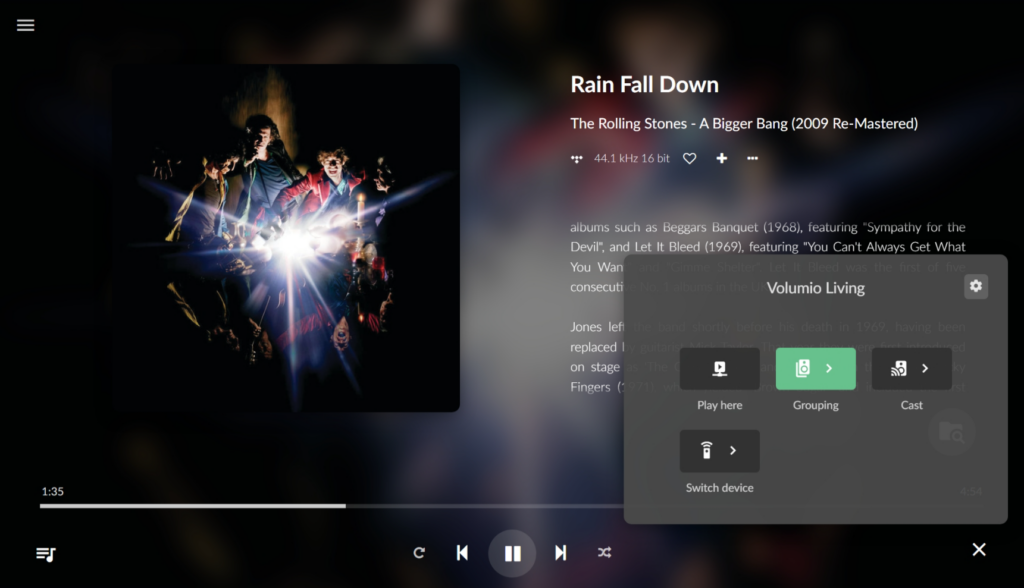
Software-wise, there are numerous ways to enjoy music on your Raspberry Pi, including specialist operating systems such as Volumio, moOde, and piCorePlayer. Most should enable you to listen to locally stored files, popular streaming services, and internet radio stations. You can even cast playback to multiple smart speakers for multi-room audio. For aesthetic effect, house your Raspberry Pi in a vintage radio case.
Magic mirror
“Mirror, mirror on the wall… who’s the smartest of them all?… Ah, it’s you, because you’re powered by a Raspberry Pi and can display all sorts of useful information, such as news, weather, traffic, and my calendar.”
The magic mirror is a classic Raspberry Pi project, and building one isn’t as daunting as it sounds. You just need to source a suitably sized TV or monitor, cover it with some two-way mirror glass (which you can buy ready-made or make yourself by applying special film to ordinary glass), and install it in a wooden frame — you can even DIY this part if you’re keen on carpentry.
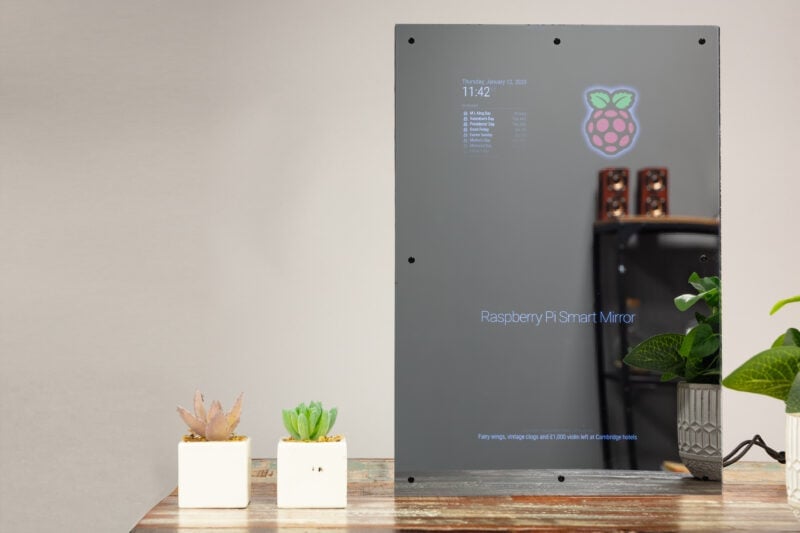
Then it’s just a case of installing the software, which you can find — along with all of the documentation and an array of add-on modules — at magicmirror.builders. It’s a good project for a 1GB Raspberry Pi 5, though you will need to have it running the desktop version of Raspberry Pi OS for the software.
Check out the rest of the feature in issue 164 of Raspberry Pi Official Magazine, including tutorials on memory optimisation in Raspberry Pi OS and how to generate images using the Stable Diffusion deep learning model.
No comments
Jump to the comment form