Did you dream of a Raspberry Pi Christmas?
Season’s greetings! I set this up to auto-publish while I’m off sipping breakfast champagne, so don’t yell at me in the comments — I’m not really here.
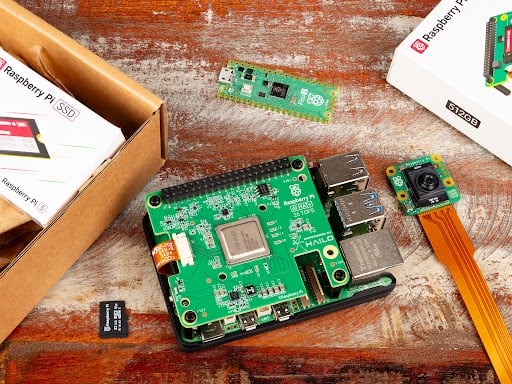
I hope you’re having the best day, and if you unwrapped something made by Raspberry Pi for Christmas, I hope the following helps you navigate the first few hours with your shiny new device.
Power and peripherals
If you’ve received, say, a Raspberry Pi 5 or 500 on its own and have no idea what you need to plug it in, the product pages on raspberrypi.com often feature sensible suggestions for additional items you might need.
Scroll to the bottom of the Raspberry Pi 5 product page, for example, and you’ll find a whole ‘Accessories’ section featuring affordable things specially designed to help you get the best possible performance from your computer.
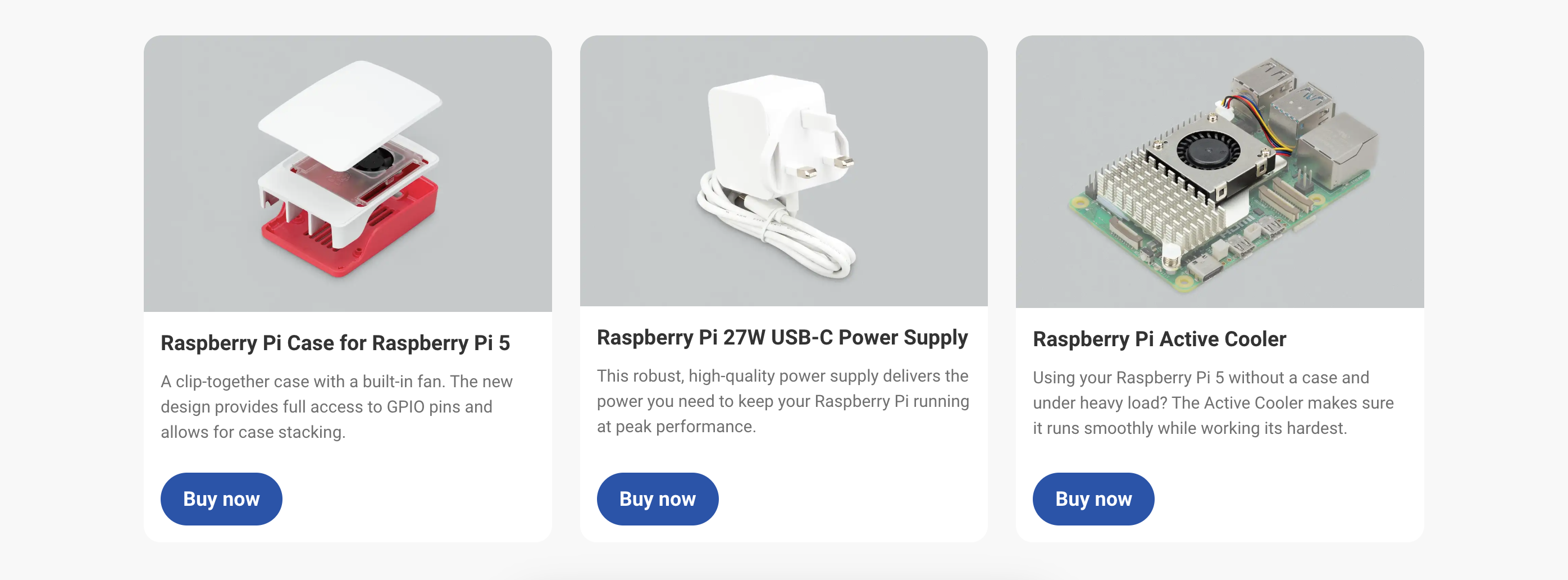
You can find all our hardware here, so have a scroll to find your particular Christmas gift.
Dedicated documentation
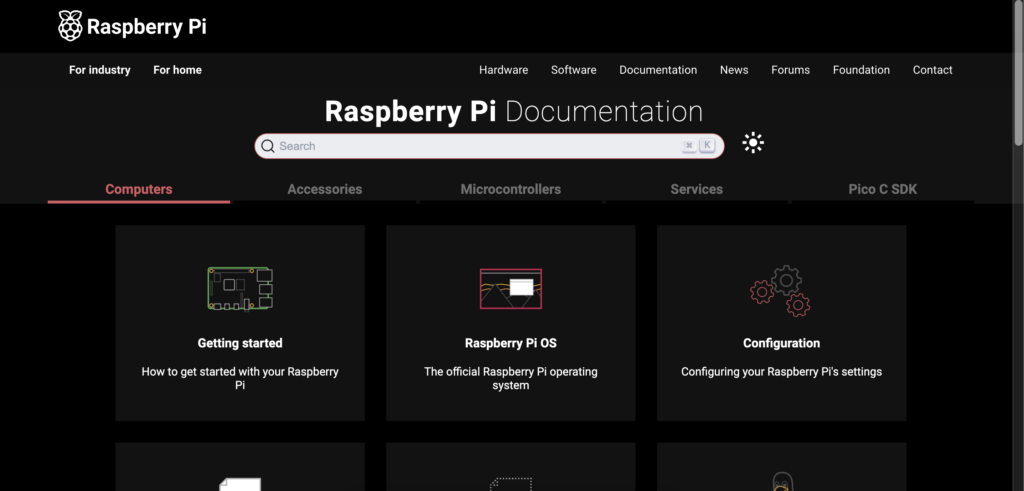
There are full instructions on how everything works if you know where to look. Our fancy documentation site holds the keys to all of your computing dreams.
For beginners, I recommend our ‘Getting started’ guide as your entry point.
I need a book
If, like me, you prefer to scoot through a printed book, then Raspberry Pi Press has you covered.
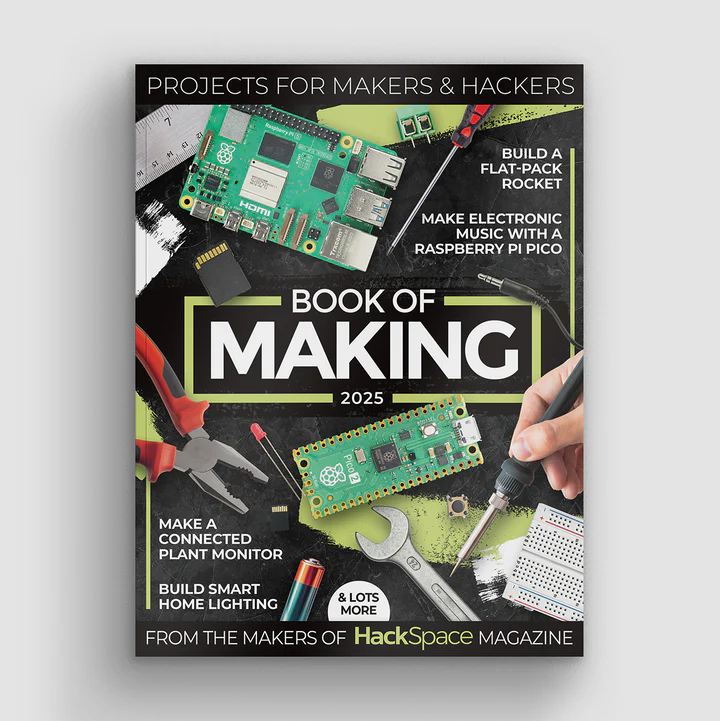
The Official Raspberry Pi Beginner’s Guide 5th Edition is a good idea if you’re a newbie. If you already know what you’re doing but are in need of some inspiration, then the Book of Making 2025 and The Official Raspberry Pi Handbook 2025 are packed with suggestions for Pi projects to fill the year ahead.
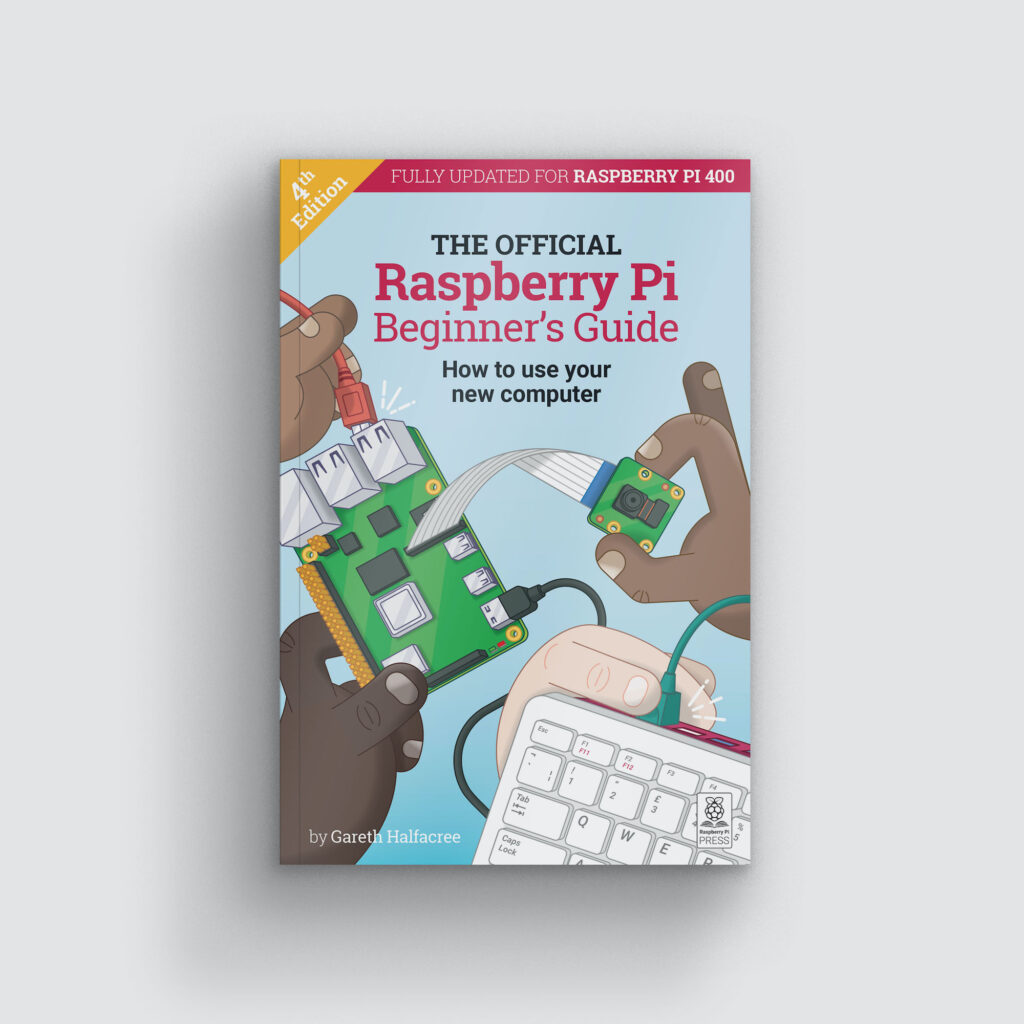

We’ve also published bespoke titles to help with Raspberry Pi Camera projects or to fulfil your classic games coding desires.


Your one-stop shop for all your Raspberry Pi questions
If all the suggestions above aren’t working out for you, there are approx. one bajillion experts eagerly awaiting your questions on the Raspberry Pi forums. Honestly, I’ve barely ever seen a question go unanswered. You can throw the most esoteric, convoluted problem out there and someone will have experienced the same issue and be able to help. Lots of our engineers hang out in the forums too, so you may even get an answer direct from Pi Towers.
Be social
Outside of our official forums, you’ve all cultivated an excellent microcosm of Raspberry Pi goodwill on social media. Why not throw out a question or a call for project inspiration on our official Facebook, Threads, Instagram, TikTok, or “Twitter” account? There’s every chance someone who knows what they’re talking about will give you a hand.
Also, tag us in photos of your festive Raspberry Pi gifts! I will definitely log on to see and share those.
Again, we’re not really here, it’s Christmas!
I’m off again now to catch the new Wallace and Gromit that’s dropping on Christmas Day (BIG news here in the UK), but we’ll be back in early January to hang out with you all in the blog comments and on social.

Glad tidings, joy, and efficient digestion wished on you all.

7 comments
Dante
Merry Christmas Pi team! It was Christmas yesterday for me in Australia and I kept checking back here for anything new.
Hilary Okuonzi
Merry Christmas, and a ha-pi new year!
rclark
No, I did not dream of an RPI Christmas… But I did work quite a bit with a Pico 2W. Fun to play with over the long (short?) holiday (Sat to Wed) :) . In fact I was up last night until 01:30 hours working on a project for the board…. zzzzz
Happy Holidays!
Helen McCall
My Xmas Raspberry Pi project was the assembling of a Compute Module 4 based travel router. I used a very small IO board with 2 Ethernet ports and a USB port, and had a neat aluminium case. I added the CM4 WiFi aerial, and then spent hours assembling it all. The hours of assembly were due to being severely sight impaired. Next job is to try booting up with Raspberry Pi OS to test it, and test the 4G LTE dongle in the USB port. Then if everything is working well, I will install OpenWRT and learn how to configure it. I bought the 2Gig Lite version of the CM4 so as to make it easy to keep re-installing OpenWRT so I can have a TF card for each variety of installation I might want to use.
Allan
I did, last year!
One year with a pi 5 so far :)
Mark Tomlin
The fact the that documentation page has night mode is just *Chef’s Kiss*. So good!
Raspberry Pi Staff Ashley Whittaker — post author
THAT’S MY FAVOURITE BIT TOO!
Comments are closed