Watch a festive film every second of the day until Christmas
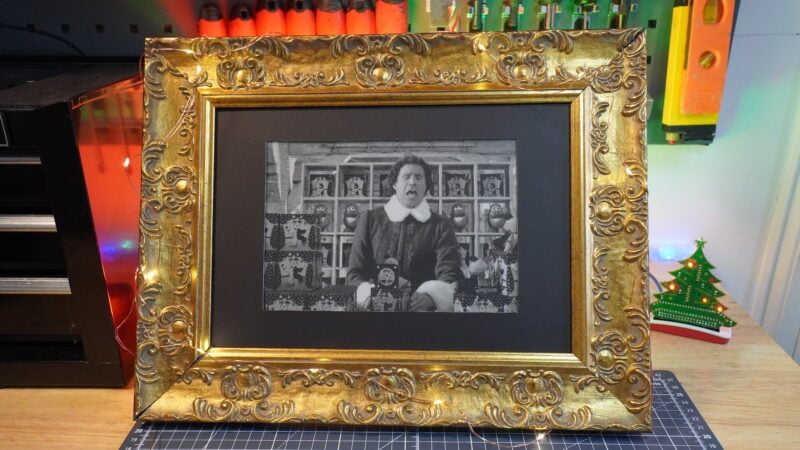
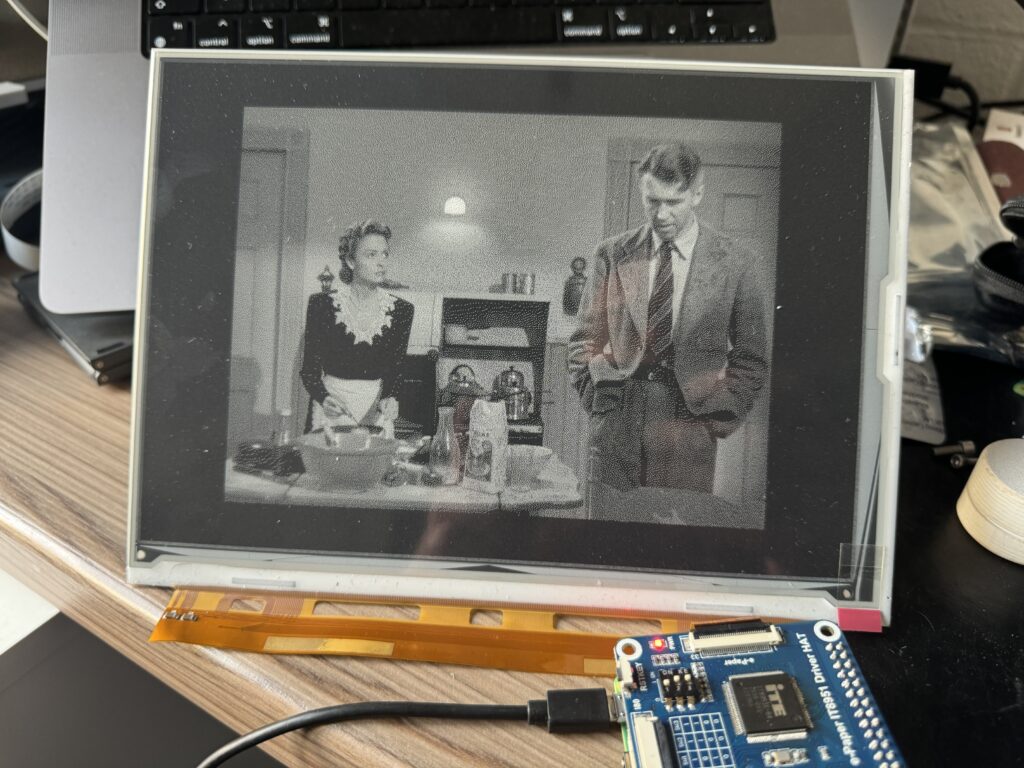
With December 1st on the horizon, I decided I needed to level up my office desk decorations. Last year’s dribble of fairy lights was an embarrassingly poor show and I had no intention of repeating that display of Christmas dispirit. Serendipitously, a joyfully gauche photo frame fell off my wall last week and an idea came to me in which it could be upcycled with a little Raspberry Pi magic. Cue me demanding our Maker in Residence Toby pause all official operations in order to make me an E-paper display which would play a festive film slowly over the Advent period.
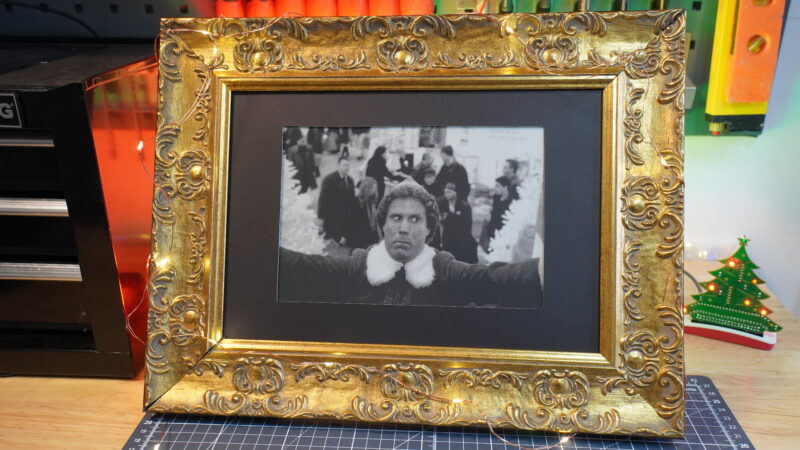
Hardware
Toby also 3D printed this case for the Raspberry Pi and a custom kick-stand so I could display the frame on my desk. Some stiff card made sure everything stayed inside the frame.
Tricky tutorial
Toby followed along with Tom Whitwell‘s super slow e-paper display tutorial, which takes a little under three months to play a 110-minute film, with the terrifying shower scene from Psycho playing out over a day and a half.
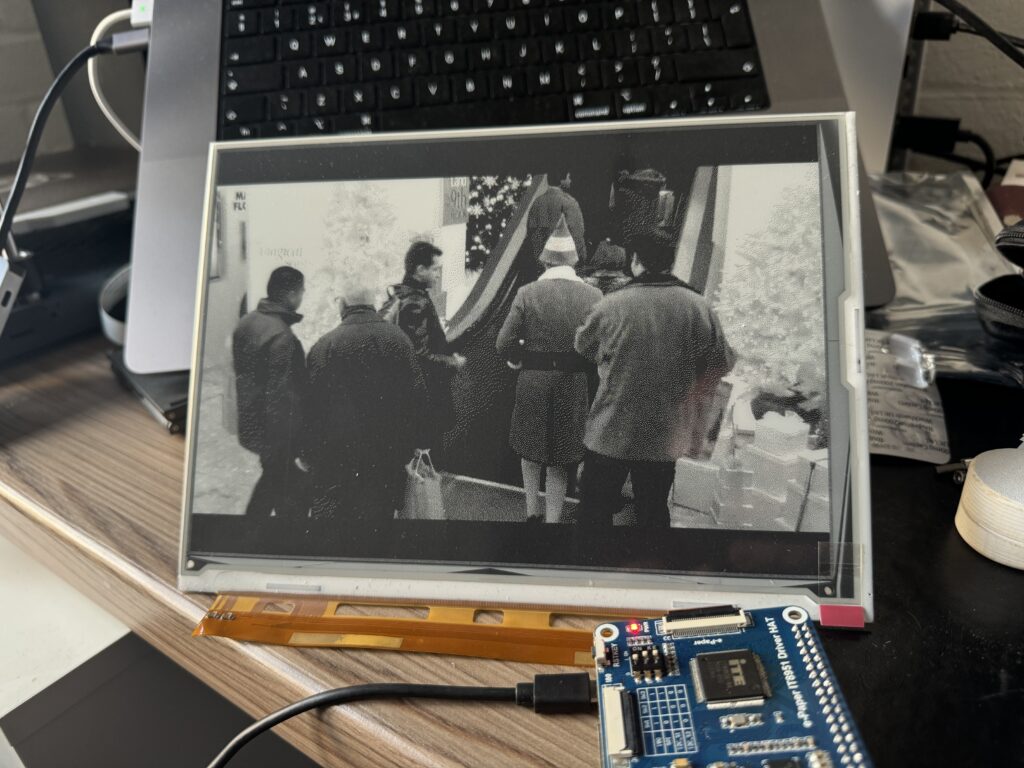
Despite the clarity of Tom’s excellent step-by-step guide, Toby did run into some trouble due to his choice to my demand that he use a bigger display than the original project he copied. I require visual impact with my desktop tech and I won’t apologise for it.
The issues arose around installing the EPD (Electronic Paper Displays) drivers and he just couldn’t seem to get Tom’s instructions to work for this part of the build. Ever the patient trooper (he does spend his office time seated next to me, after all) Toby managed to find a workaround. Instead of using Tom’s line:
pip3 install git+https://github.com/robweber/omni-epd.git#egg=omni-epd
He instead used:
git clone https://github.com/robweber/omni-epd.gitcd omni-epdpip3 install --prefer-binary
Then modified the slowmovie.conf file with waveshare_epd.it8951 which is the identification reference for the bigger display.
Christmas calculations
Toby calculated that, if you want to watch the movie Elf in its entirety from the first of December right up until Christmas morning, you’d need to set the device to display every frame from the movie at a rate of one every 15 seconds.
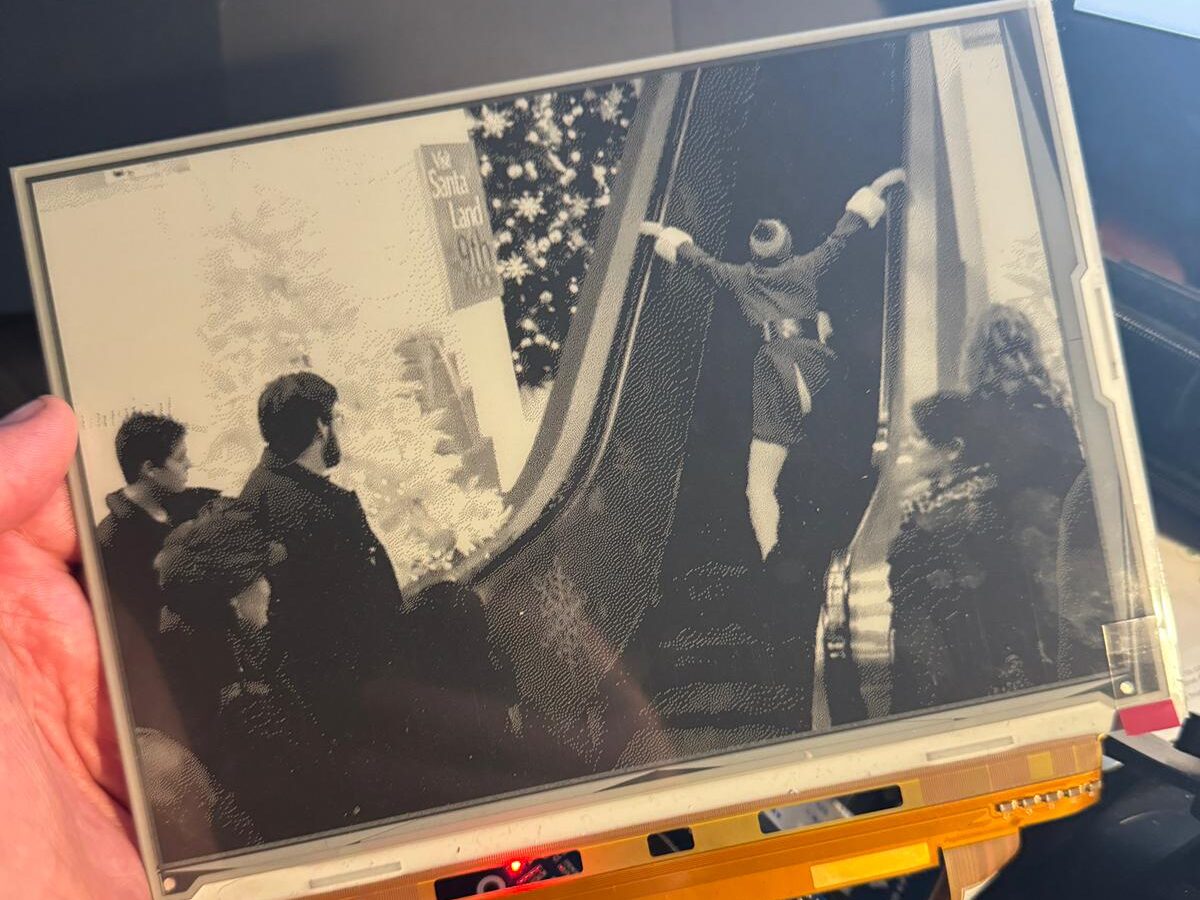
This is a good time to explain that the reason I requested Elf to be used in this project is so I could watch the scene in which Buddy traverses an escalator for the first time and ends up in an impressively deep split. The only thing that can possibly sprinkle more magic on those frames of film is to have them displayed in extreme slow motion.
Which Christmas film would you choose to display in slow-motion on your own E-paper display? I was toying with the idea of It’s a Wonderful Life but that is already hella long and would probably run through to Easter.


5 comments
Raspberry Pi Staff Toby Roberts
I wanted Die Hard, because IT’S A CHRISTMAS MOVIE!
barleyguy
My favorite Christmas movie is Gremlins. ;-)
Steve
Die Hard indeed — Alan Rickman’s final appearance in that movie would be epic in super-extra-ultra slow motion…
AndrewS
Yyyy iiii pppp pppp eeee eeeee —- KKKK iiii —- YYYY
aaaa yyyy ………
Raspberry Pi Staff Ashley Whittaker — post author
Don’t encourage him
Comments are closed