Raspberry Pi AI Kit review | HackSpace #80
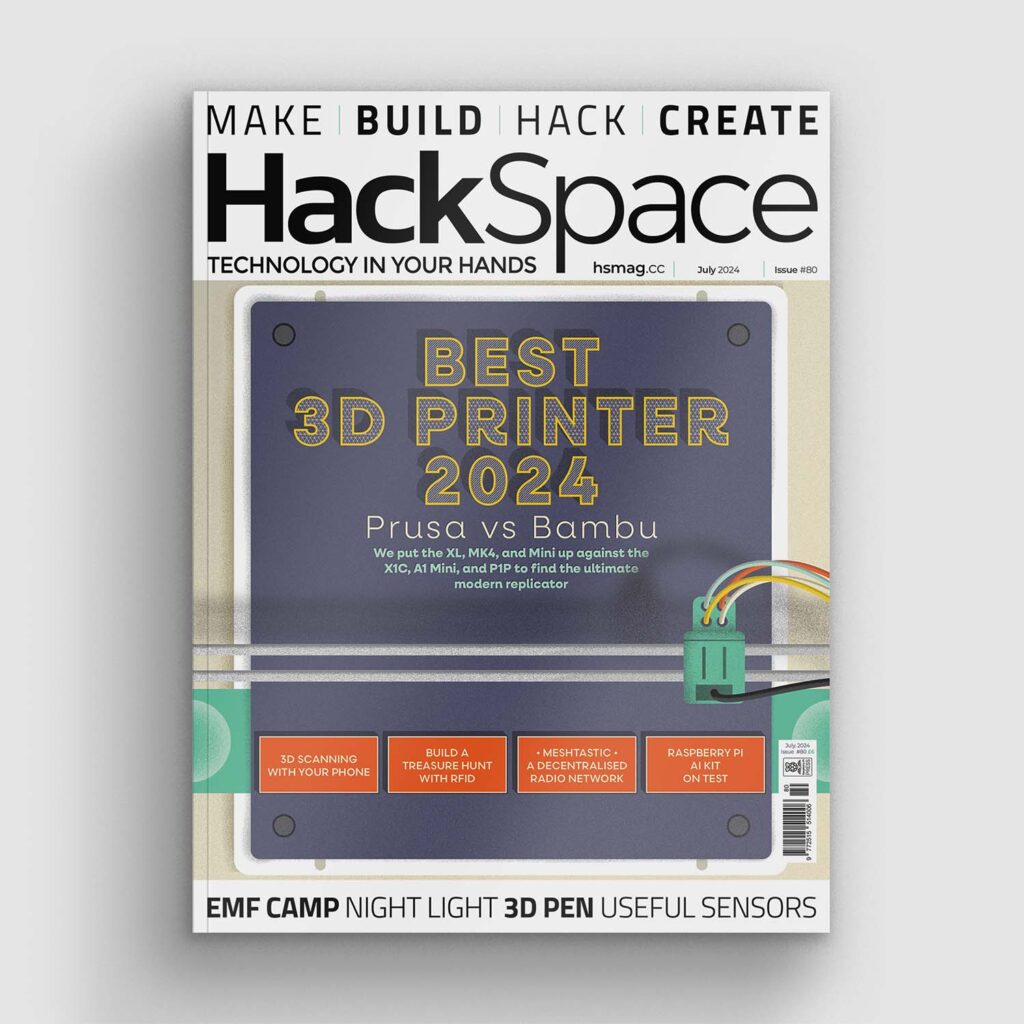
In the latest issue of HackSpace magazine, out now, Ben Everard puts the new Raspberry Pi AI Kit through its paces.
In case you’ve missed the news, AI is poised to be the next big thing in tech. Actually, scratch that, it’s already the current big thing in tech. The only slight problem is that no one can quite agree what it is.

While the latest headlines are being grabbed by large language models, including ChatGPT, which have a habit of lying to users and writing uncompilable code, AI models have been quietly working away in the background. They generate captions for our videos, help us take better photographs, help scientists identify things in photographs, improve quality control in factories, and generally help make our lives progress a little smoother. The neural networks underpinning these are running everywhere, from server rooms to the phones in our pockets.
Neural networks have two stages – first, they must be trained. This is where you define the structure of the network, and run training data through it (typically large amounts of training data). While a lot depends on the particulars of the model you’re training, this usually takes a huge amount of computing power and is only done rarely. In fact, the majority of people using AI don’t train their own models. Instead, they use pretrained models that are available from a variety of sources (there’s a wide range of models for the Hailo-8L – the accelerator at the heart of the AI Kit – available here).
Once you have a model, you can then run it – this is where you use it to analyse real-world data. Running a model takes a much more modest amount of computing power, and it’s this that the Raspberry Pi AI Kit is designed to do.

The Hailo-8L accelerator can perform 13 trillion operations per second (aka 13 TOPS – though the T in this case stands for Tera). That’s obviously a big number, but to put it in context, Apple’s M3 processor’s neural engine can perform 18 TOPs, while its A15 SoC (from the iPhone 13) can perform 15. Meanwhile, an NVIDIA A100 GPU can perform 1248 TOPS.
Models are getting faster and more accurate all the time, so it’s hard to say exactly what this is capable of, since it will probably be able to run better models in a year’s time than it can now. However, to give you an idea, the YOLO models can distinguish between about 80 different types of object (person, car, bicycle, etc.), and they can run quickly in real time on the AI Kit.
Similar models can detect someone’s pose. Take a look at the model zoo (in previous link) for a fuller breakdown of the different models and their performance, but broadly speaking, the sorts of models this can run can differentiate between around a hundred types of object and find them
in a scene.
Just as executable files have to be compiled for the particular processor you’re using, neural network models have to be compiled for the particular accelerator you’re using (as well as the framework they are running in). Hailo has a Dataflow Compiler that accepts models in many common formats including TensorFlow, PyTorch, and Keras. The compiler converts these input files into HEF files
that can be loaded onto the AI Kit.
That’s a lot about what the Raspberry Pi AI Kit is meant to be, so let’s now take a look at what it is. Inside the kit itself, you’ll find an M.2 HAT+ and a Hailo-8L board. These two plug together and then into a Raspberry Pi 5 – because it connects to the PCIe port, earlier versions of the Raspberry Pi won’t work. This is all detailed in the Getting Started Guide.
Once the hardware is connected and the dependencies are installed, you can start on the software. While the Raspberry Pi AI Kit isn’t
explicitly a vision product, we suspect the vast majority of its use will be in vision. That’s just the area where neural networks of the sort of size this can run are most useful.
At the moment, you can run the Hailo models within Raspberry Pi Camera apps by passing a suitable value for the –post-process-file parameter. There are also examples created by Hailo on its GitHub.
We suspect, though, that most people want to use the models in their own software. This is possible at the moment with Hailo’s TAPPAS framework, but it should soon become far easier when support for the Picamera2 Python module
is released.
Neural acceleration on small computers has lagged for a long time, so we’re really excited to see development in this area. The Hailo-8L is powerful enough to let many vision processing tasks run in real time, while still leaving the CPU mostly free to do whatever other processing you need.
We’ve said plenty of times in this magazine that the products that excite us the most are the ones that open up new categories of project, and this is one such example.
It’s not the first AI accelerator for small computers, but it’s the first one we’re aware of with this level of performance at a hobbyist price point, and it should really open up the field of embedded AI.
Verdict
10/10
A new product that opens the door to many potential AI projects.
HackSpace magazine issue 80 out NOW!
Each month, HackSpace magazine brings you the best projects, tips, tricks and tutorials from the makersphere. You can get HackSpace from the Raspberry Pi Press online store or your local newsagents.
12 comments
Szaja
Will we get access to the Dataflow Compiler so we could compile our own models? Without that this may end up as a fancy toy, I’m afraid. (I hope not, as I already have it.)
Anders
I understand from the thread in the Raspberry Pi forums that there is a project to make the tools/workflow available to the public currently in progress.
Szaja
Awesome! Thanks for the update!
Szaja
It seems that it’s already available:
https://github.com/hailo-ai/hailo-rpi5-examples?tab=readme-ov-file#hailo-dataflow-compiler-dfc-is-now-available
Brandon
I was a little disappointed in the article. I’ve spent 2 weeks with the AI kit and so far run llama3 as my preferred assistant. But I also got a verbal assistant working by adding a microphone dongle. None of my projects had anything to do with the camera. Only addressing the camera possibilities seems myopic, lol, get it? The kit has so much potential!
tim Rowledge
Brandon I’d be really interested to hear how you got llama3 running on the AI kit hardware; I’ve only been able to find info on running it on the plain old cpu.
Brandon
Well I may have jumped the gun and been way too harsh, as I realized the llama3 model is only running on the Pi5’s CPU! Your response got me pondering. All the documentation says you install the hat and the pi recognizes it. I’ve confirmed the AI module is mounted, but alas, when I run the llama3 model I get no light on the ACT of the M2 hat. The lights are on on the Hailo-8L, but no one is home (so to speak). I did not want to be any more of a dunce and simply delete my old comment as I felt an apology was in order for the author and to all the readers. This AI Kit has potential, but until it can do help run an LLM it is camera based and I don’t need that, lol.
Szaja
Awesome! Can you point me to any resources describing how to run llama3 on the AI kit?
Oneil Bogle
I want to learn how to run llama3 on the AI kit ?
Brandon
I retract my previous statement, great article as it points the reader to the githubs and makes operating the camera modules a breeze as a new operator. I will stand by my reply above that I wish this kit could run an LLM.
Smitty
Could not agree more. I received the AI kit as a present from someone who assumed it could do more than vision stuff. Hopefully someone smarter than me figures something out.
MJ
Is the AI kit only suited for Computer Vision? I mean is it practical or okay to run other AI models using Neural Networks on it like Deep RL?
Comments are closed