Moon-Pi: an e-paper lunar cycle display
Moon-Pi displays today’s moon phase and a random moon-related quotation on an e-paper display. A Raspberry Pi Zero W hidden in the frame runs the show.
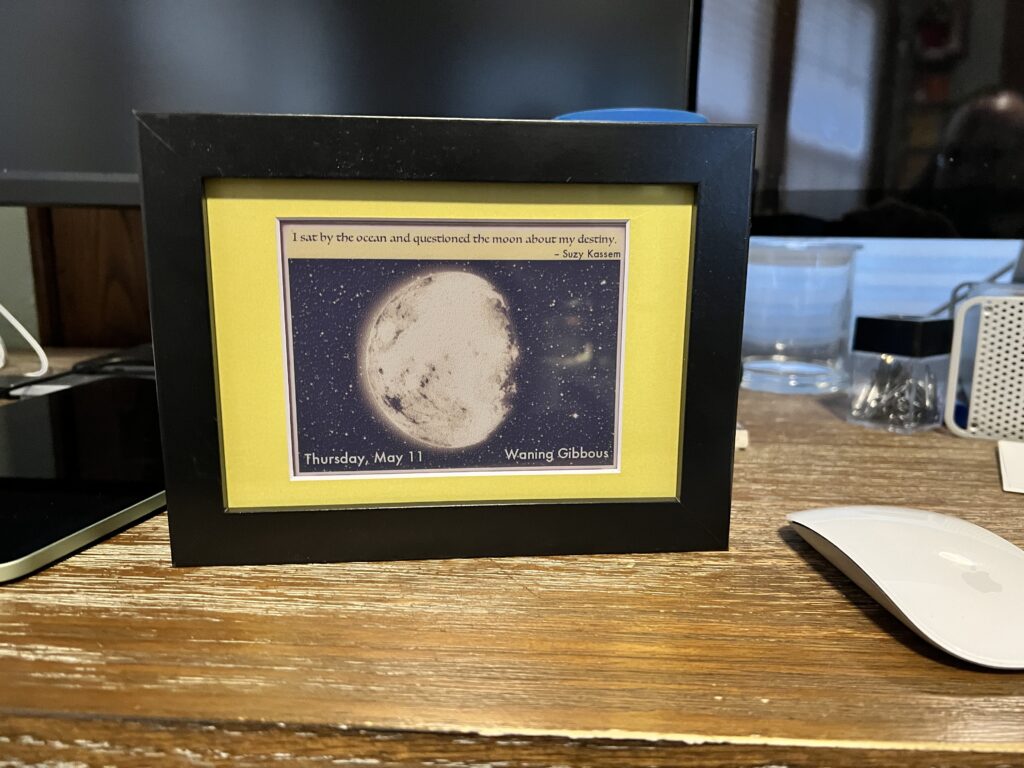
Maker Billy Dent had been wanting to make his wife a Raspberry Pi-powered gift for a while now, so when Mother’s Day rolled around, he thought of combining her love of the moon with a slice of Pi.
Hardware
- Raspberry Pi Zero W
- 5.65-inch Waveshare e-paper display
- PiJuice Zero (a little onboard power supply and power management system for the Pi)
- A deep box frame (the kind you frame medals and tangible memories in)
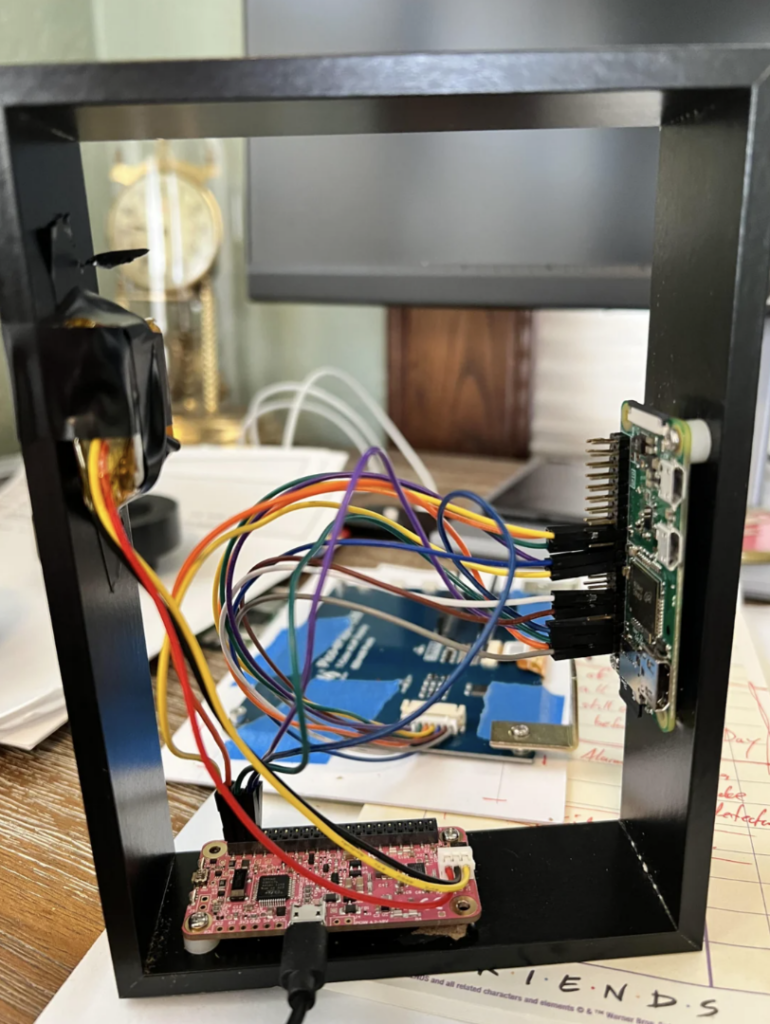
You can use any Pi you like. It doesn’t need to be powerful and it doesn’t need to be Wi-Fi ready, as all the data is stored on the SD card — Billy just likes working with the Zero W.
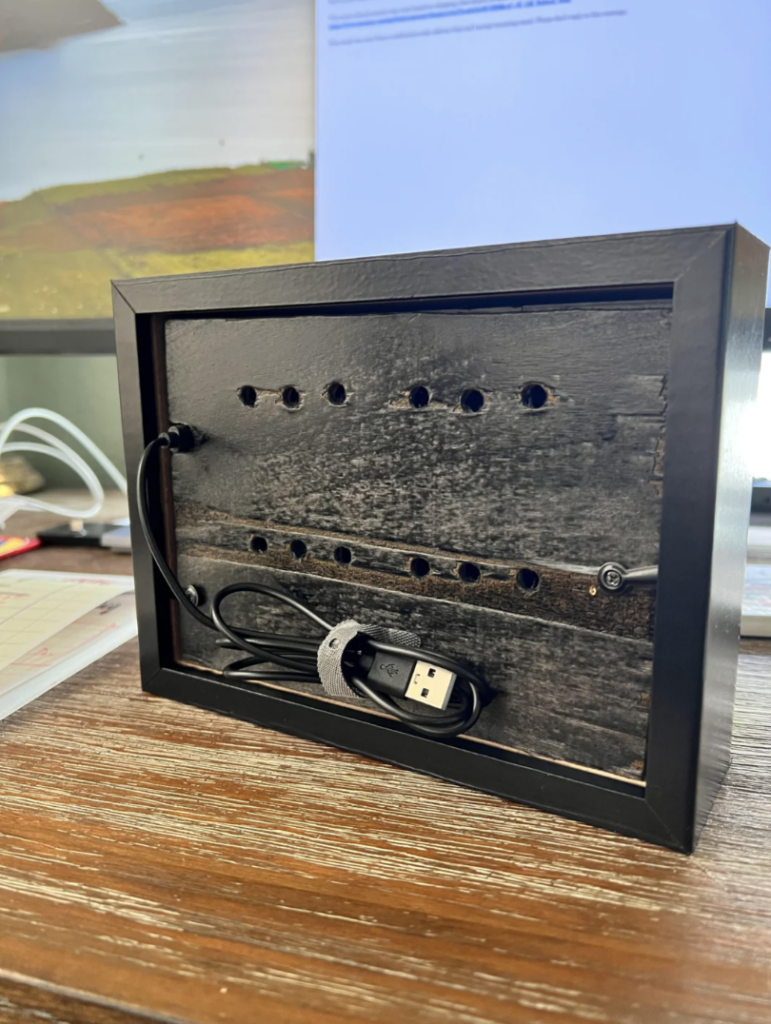
Remember to drill ventilation holes in the backboard of whichever frame you use, or your hardware will get sweaty. You can make a hole for the USB recharging cable at the same time.
How does it work?
The PiJuice powers up the Raspberry Pi Zero W daily at 1.30am and it only needs to run briefly to update the display for the day ahead. All the lunar cycle data and quotations are stored on the SD card, avoiding the need for an internet connection. A Python script runs automatically at boot and looks up the date. Then it finds out today’s moon phase and grabs the image file titled with today’s date. Next, a moon-related quotation is selected at random, and this text, along with the image of the moon in its current phase, is thrown up onto the e-paper display. Once it has done its job for the day, it shuts itself down, leaving everything on screen for Billy’s wife to find when she gets to her desk. How efficient.
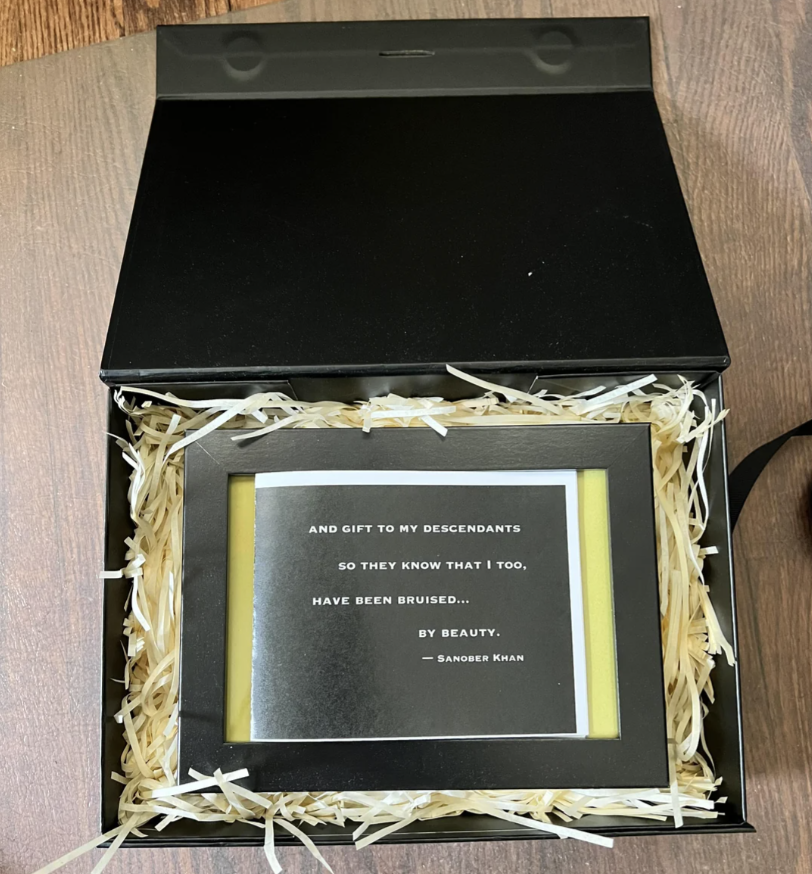
Billy has shared all the code and a step-by-step build guide on Github.
First-timer
This build is Billy’s first ever project post in the raspberry_pi subreddit. This is a) a laudable milestone, and b) a good time to mention that that subreddit isn’t ours — it’s fan-run, without any involvement from Raspberry Pi. We do love finding super projects like this one over there – it can be a real trove of cool ideas and builds.


6 comments
cheapy
Nice, but the components are expensive. Could buy an old laptop/chromebook for that sum and show the same images plus video.
Raspberry Pi Staff Ashley Whittaker — post author
I think this one was fashion over function seeing as it’s a special gift.
Conor Stewart
One of the main points of this is that it can run for a long time before needing charged, hence the use of an epaper display and only waking the pi up once a day.
Yes you could buy an old laptop or Chromebook but it uses a lot more power and needs recharged much more frequency. A standard display always uses power when it is on, an e paper display only uses power to update the screen so uses much less power and is the reason that e readers and even price tags in shops now use e paper displays, when the image doesn’t change it doesn’t use any power and the display doesn’t emit any light, both of which make it ideal for something like this.
DavidE
Well said. This is a great project (& gift).
Cristian
Hi, I’ve been attempting this project since October but when trying to run it, I have experienced several issues, including the ELF class error. Apparently, the waveshare libraries only support 64-bit architecture whereas the zero w is only made for 32-bit. Is there a way to get in contact with the original maker so he can give me some pointers and help me debug my issues? I’ve been having this issue since October. Any help would be greatly appreciated, thanks :)
Raspberry Pi Staff Toby Roberts
Hi Cristian.
We haven’t tried this project ourselves as we don’t have the hardware, so we can’t debug your issue I’m afraid. You could try contacting Billy via reddit to see if he can help? –
https://www.reddit.com/r/raspberry_pi/comments/13mtcbd/custom_moon_calendar_with_epaper_and_raspi/
Comments are closed